Download · for licence holders
One zip, and hosting you probably already pay for.
AlumDeck arrives as a single zip with its libraries inside and its assets already compiled. The download link comes in the email with your licence key, and it keeps working for every release your licence covers.
Email · from AlumDeck
Your AlumDeck licence key
Key36 characters
CoversOne live site
MembersUnlimited
RenewsIn 12 months
Downloadalumdeck-x.y.z.zip
The linkKeeps working
UpdatesEvery release this year
SupportEmail, 1 working day
Money backWithin 14 days
Getting the zip
How you get the zip, and keep getting it.
Buy a licence
Checkout is a Stripe page. Your key and your download link arrive by email a few minutes later.
Keep that email
The key is how you install, reinstall and move the site to another server. The link in the same email is your download, and it goes on working.
Use the link whenever you need the zip
It always gives you the newest release dated on or before the end of your licence year. There is no account to sign in to.
Renew, and the link moves on a year
Each renewal extends the date, so newer releases become available. If you stop renewing, your installed site keeps working and the link still gives you the last release you paid for.
Before you buy
What your server needs to run it.
| Requirement | What AlumDeck needs | Notes |
|---|---|---|
| PHP | 8.3 or newer | The installer refuses anything older before it writes a thing. |
| Database | MySQL 8, or MariaDB 10.6 or newer | One empty database and a user with all privileges on it. There is no PostgreSQL option. |
| PHP extensions, required | 14: pdo, pdo_mysql, mbstring, openssl, tokenizer, xml, dom, ctype, json, fileinfo, filter, hash, session, pcre | All standard. The server check names any that are missing. |
| PHP functions, required | mb_split, mb_str_split, random_bytes, openssl_encrypt | Checked by name, because mbstring can be built without its regular-expression half and still say it is there. |
| PHP extensions, recommended | gd or imagick, curl, zip, exif, intl | Shown amber, not red. The install carries on without them. |
| Writable folders | The application folder (for .env), storage/ and everything in it, bootstrap/cache/ | Usually 755 in File Manager; some hosts want 775. Never 777. |
| Outbound HTTPS | Required at install | Screen one checks your key with alumdeck.com. After that a status check runs about twice a day, and it fails open. |
| Cron | One line, every minute | It runs 11 scheduled jobs, backups included. |
PHP exec() | Needed for backups | Backups call mysqldump and tar. Where a host disables exec(), use the host's own backups instead. |
| Web server | Apache or LiteSpeed | The usual cPanel servers. An .htaccess with security headers ships in the zip. |
| Shell access | Not needed to install | An update that changes the database needs one terminal command, or a question to us first. |
Check the file
Check the file arrived whole.
Before you upload anything, check that the zip arrived whole. Work out its SHA-256 checksum on your own computer:
Windows (PowerShell):  Get-FileHash .\alumdeck-x.y.z.zip -Algorithm SHA256
macOS:                 shasum -a 256 alumdeck-x.y.z.zip
Linux:                 sha256sum alumdeck-x.y.z.zip
Compare the result with the checksum published for that version on the changelog. If they differ, download it again; if they still differ, tell us through the contact form and do not install it.
What else is in the zip
alumdeck-build.json records the version and the build date; note it, because support will ask. The release is built by a packager that refuses to build if a configuration file, an install marker or a file over 20 MB would ship, or if a credential scanner is missing, and it reopens the finished zip to check it before it is published.
Install
Upload, answer six screens, sign in.
- 6installer screens, in a browser
- 1cron line, added in cPanel
- 0terminal commands to install
- 15minutes or so, on a healthy host
Extract the zip into your home directory, connect your domain to its public folder, and open the address: the installer takes it from there. The install guide covers every step, the three-line index.php edit most cPanel hosts need, and the problems people hit.
What is in the zip
A whole alumni site, not a plugin.
The public site, the members-only area and the admin panel. These screens are the live demo, which runs the same code with an invented college.

The homepage
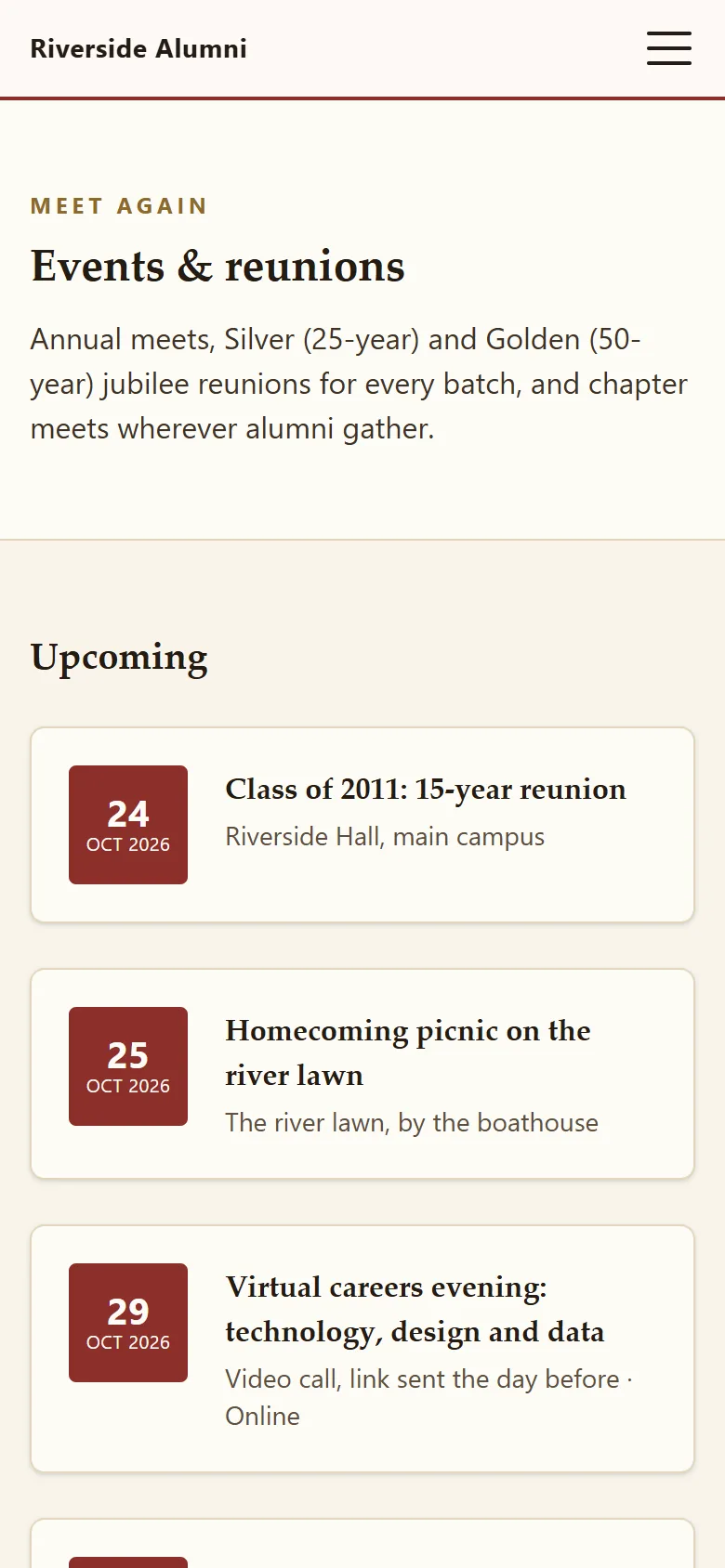
Events and reunions
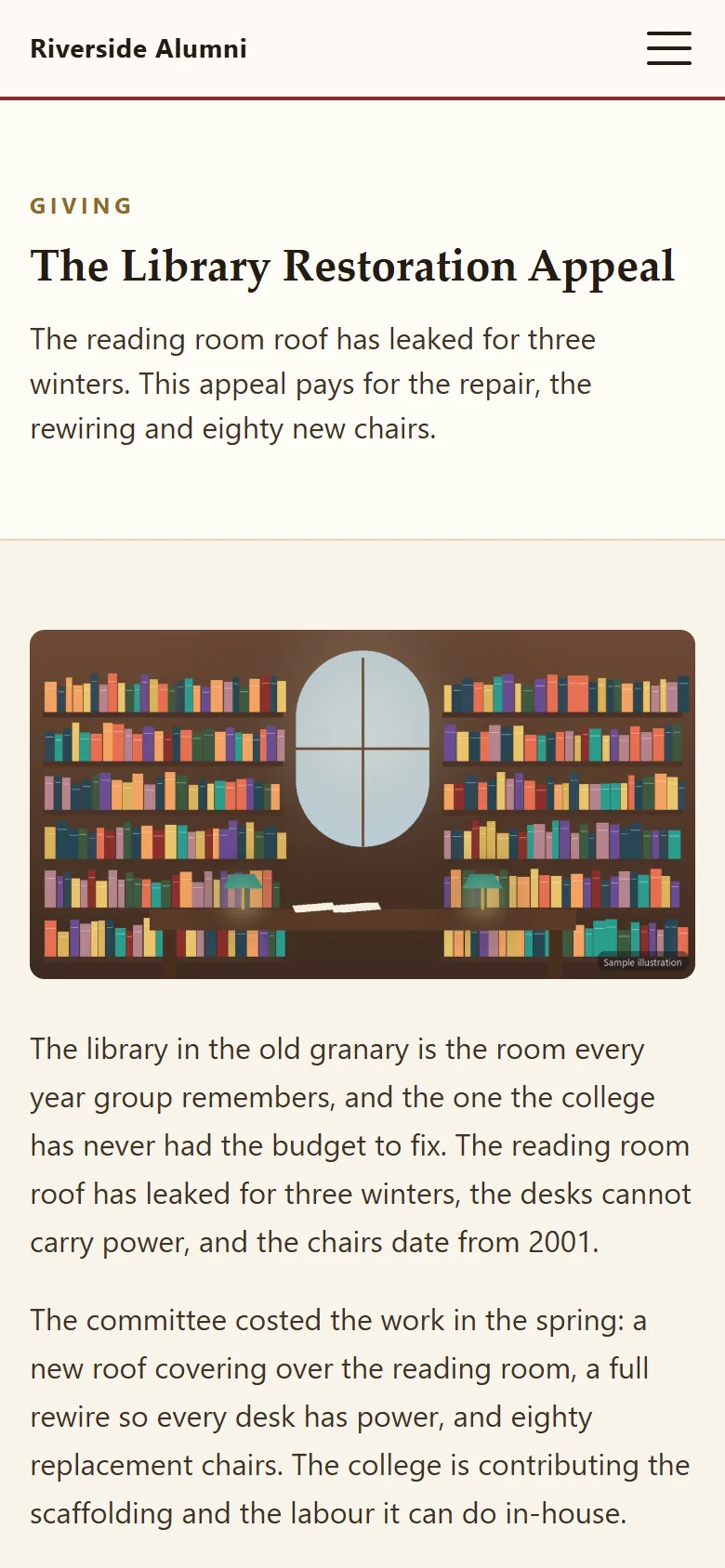
A giving appeal
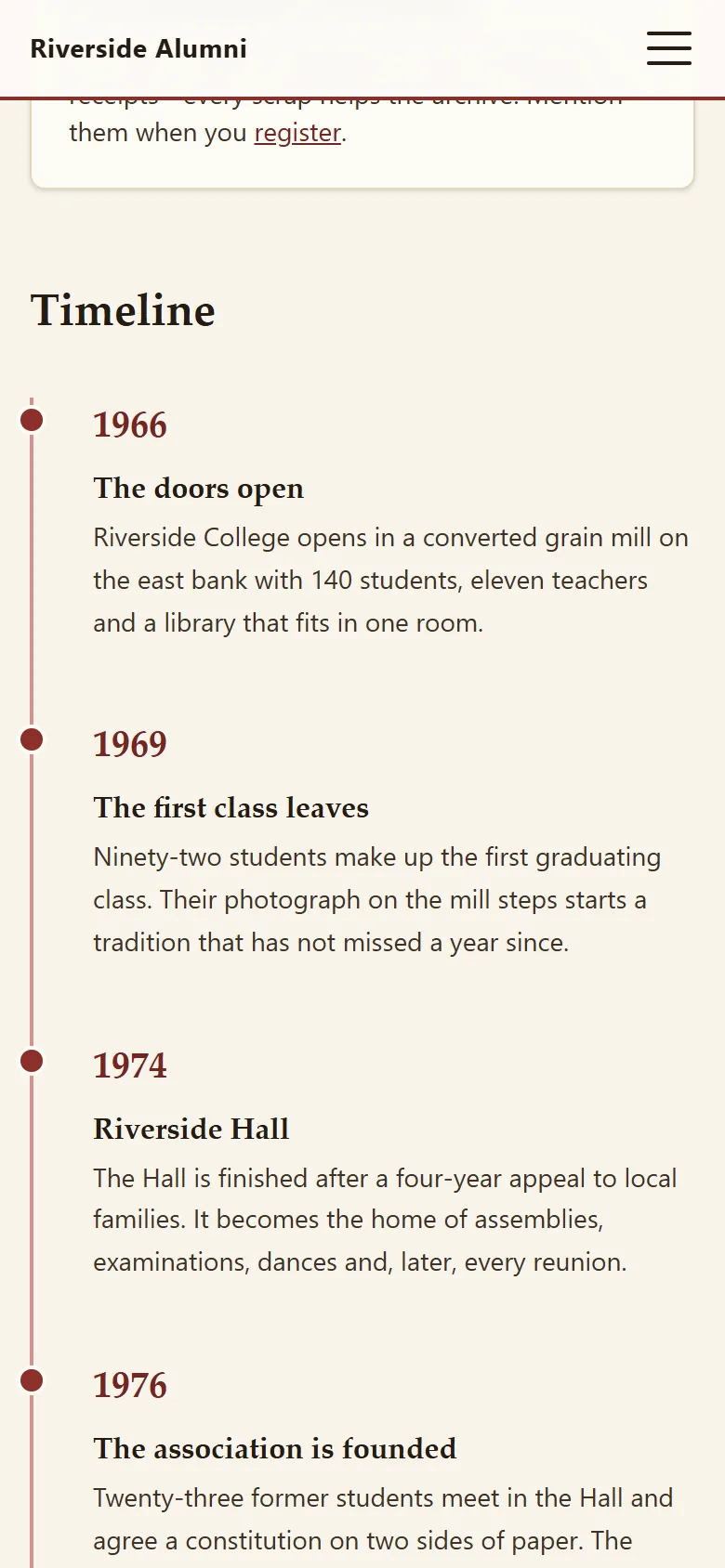
The history timeline
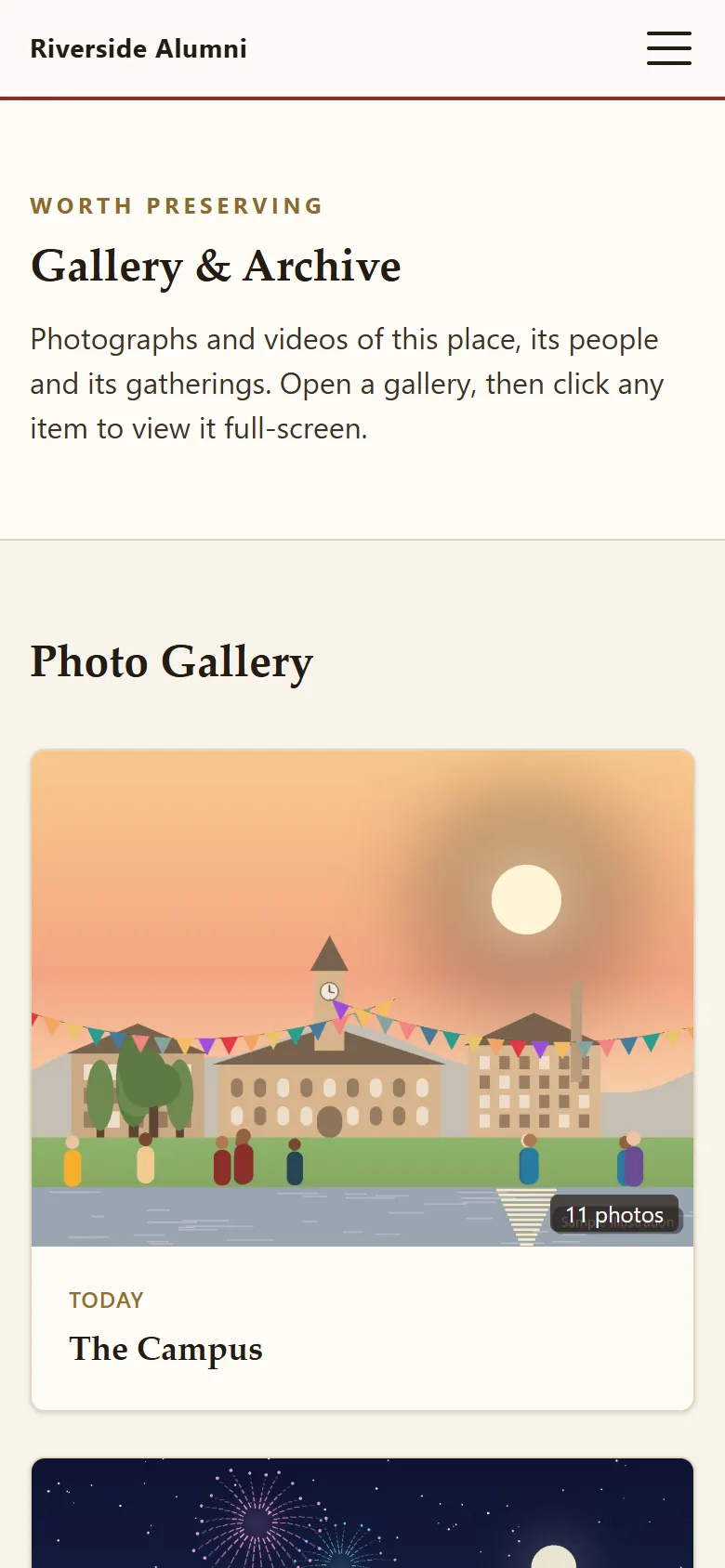
The photo archive
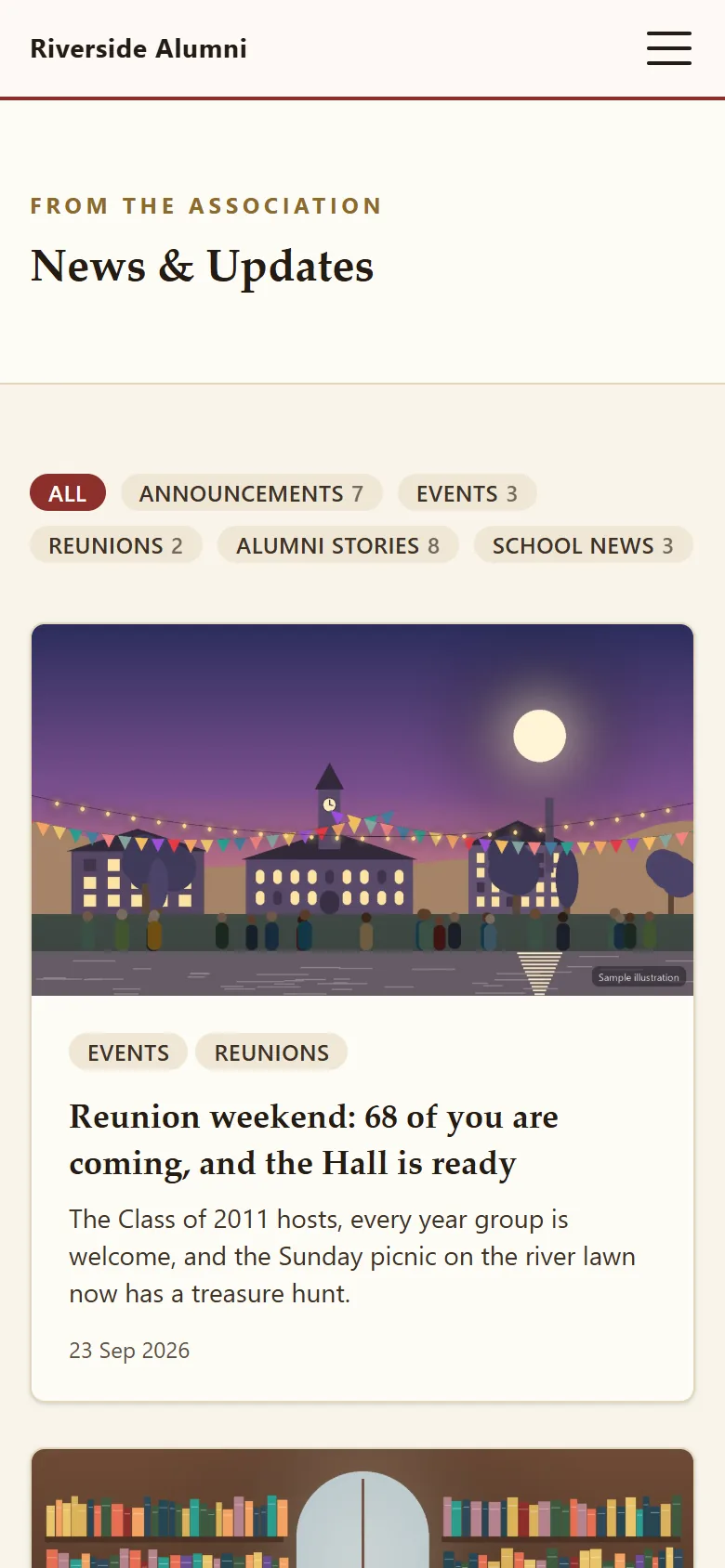
News
Updating
Applying a new version, in seven steps.
- Check last night's backup on the Backups page, and export the database too.
- Turn on maintenance mode and stay signed in.
- Extract the new zip beside the live folder as
alumdeck-new. - Copy your
.envacross, plus any new keys from.env.example. - Swap the folder names, and copy the new
publicfiles if your document root holds a copy. - Run
php artisan migrate --forceif the release changes the database. - Check the site, then keep the old folder for a week.
The docs have each step in full, including what an update replaces and what it never touches.
Questions
Questions before you upload anything
Can I download AlumDeck before buying?
No. There is no trial download. What you can do for nothing is check your hosting against the requirements on this page and sign in to the live demo, which runs the same code. Every purchase then has a 14-day money-back guarantee.
Which version will the link give me?
The newest release dated on or before the end of your licence year. Renewing moves that date on a year. If you stop renewing, the link still gives you the last release your paid years covered.
What if my server fails one of the checks?
The server check names the exact requirement, in words you can forward to your host. Most failures are one support ticket: a newer PHP version, or an extension switched on. If your host cannot do it, the money-back guarantee covers you.
Do I need SSH, Composer or a terminal?
Not to install: the libraries and compiled assets are already in the zip. An update that changes the database needs one terminal command, or a question to us before you apply it.
Is anything pushed to my server automatically?
No. Updates are downloads you choose to apply. Nobody can change your live site but you, and nobody patches it for you either.
Open the live demo. It puts itself back every night.
Sign in as an admin or a member and click anything. Nothing you do can break it.
Sign-in details on the demo pageResets every night