AlumDeck

Product · all features

Twenty feature areas. One licence.

Everything this alumni management software does, on one page. Your alumni website, a members-only directory, reunions, giving records, your history and an admin panel a committee can share. $49 a year, installed on your own hosting, with unlimited members and unlimited admins.

130 sample members

Resets every night

Riverside College · fictional

  • 20feature areas, all included
  • 13admin areas to hand out
  • 15kinds of homepage block
  • 0add-ons, tiers or member caps

Connect · 6 feature areas

Find a classmate, then actually reach them.

The people side of alumni work: who is out there, how to reach them without exposing anyone, and how members help each other.

Directory · Member area

Find people, and let the right ones in

A join form that asks for proof, a queue where classmates vouch, then a members-only directory where each member decides what classmates can see.

  • Alumni directory: search by name, city, profession and employer; email and phone start hidden
  • Member area: four separate consents, a profile, a membership card and a copy of your own data
Sign in to the demo as a member

Class of 2009

Mentors only

Email hidden
Mentoring · Forums · Groups · Volunteering & jobs

Then let them help each other

Mentors say what they will help with and how often. Every class year gets a private room of its own, and chapters and clubs are run by their own leaders. Members post jobs and referrals, and offer to volunteer.

Give · 3 feature areas

Every gift recorded, every receipt numbered.

AlumDeck never holds the money. Gifts arrive the way they already do, by bank transfer, cash or cheque, and the treasurer records each one. Switch online donations on and card gifts go through your own Stripe, PayPal or Razorpay account and are recorded for you. Membership dues, once you switch them on, are invoiced, reminded and paid through the same checkout.

Sample data in the live demo

Riverside College restores its library

The Library Restoration Appeal in the demo shows $31,400 raised of a $40,000 goal from 117 recorded gifts, with a progress bar and a wall of named donors. Every gift was entered by hand, and each donor gets a numbered receipt.

Try it in the demo

Remember · 3 feature areas

Your school's story, kept by the people who lived it.

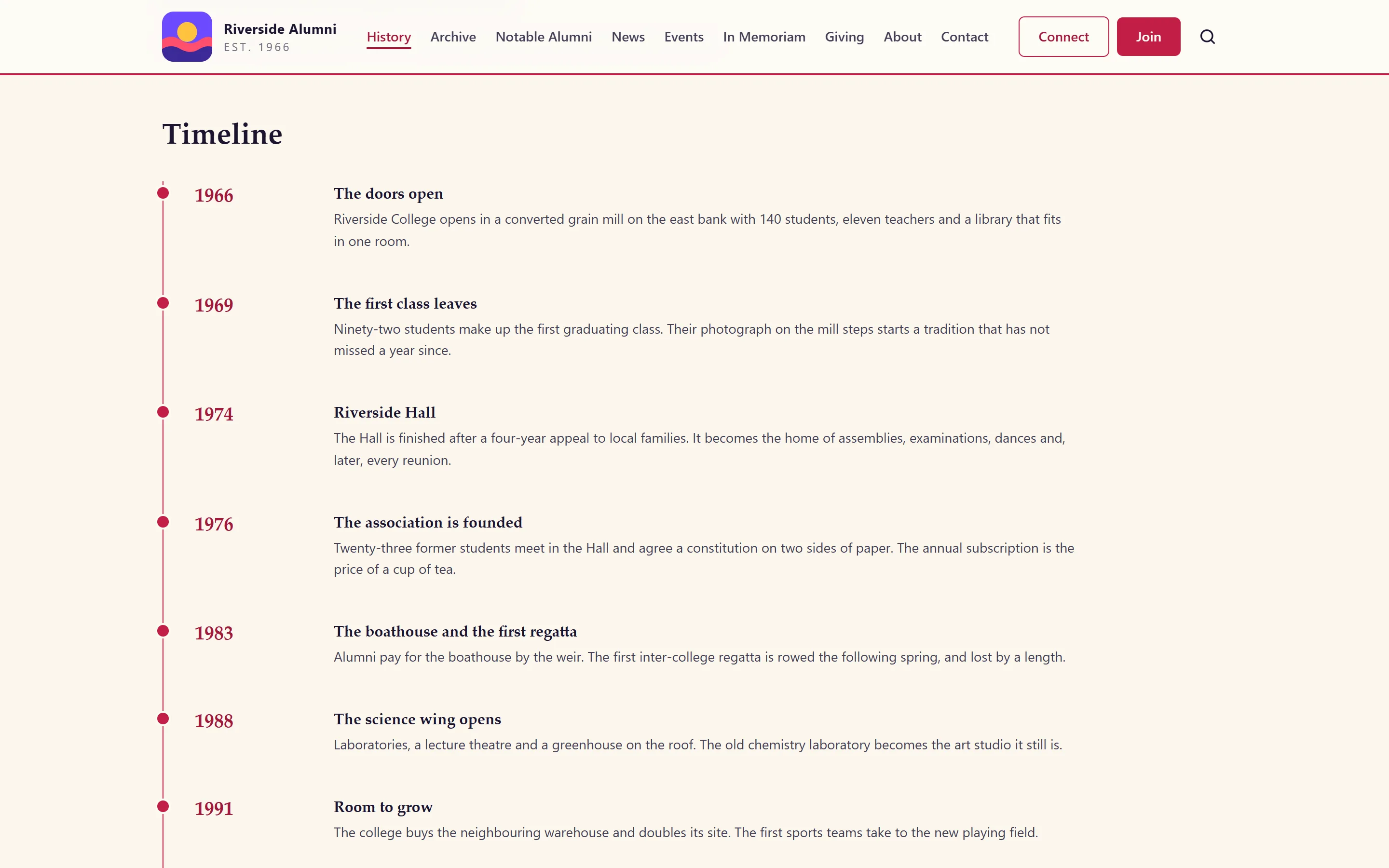
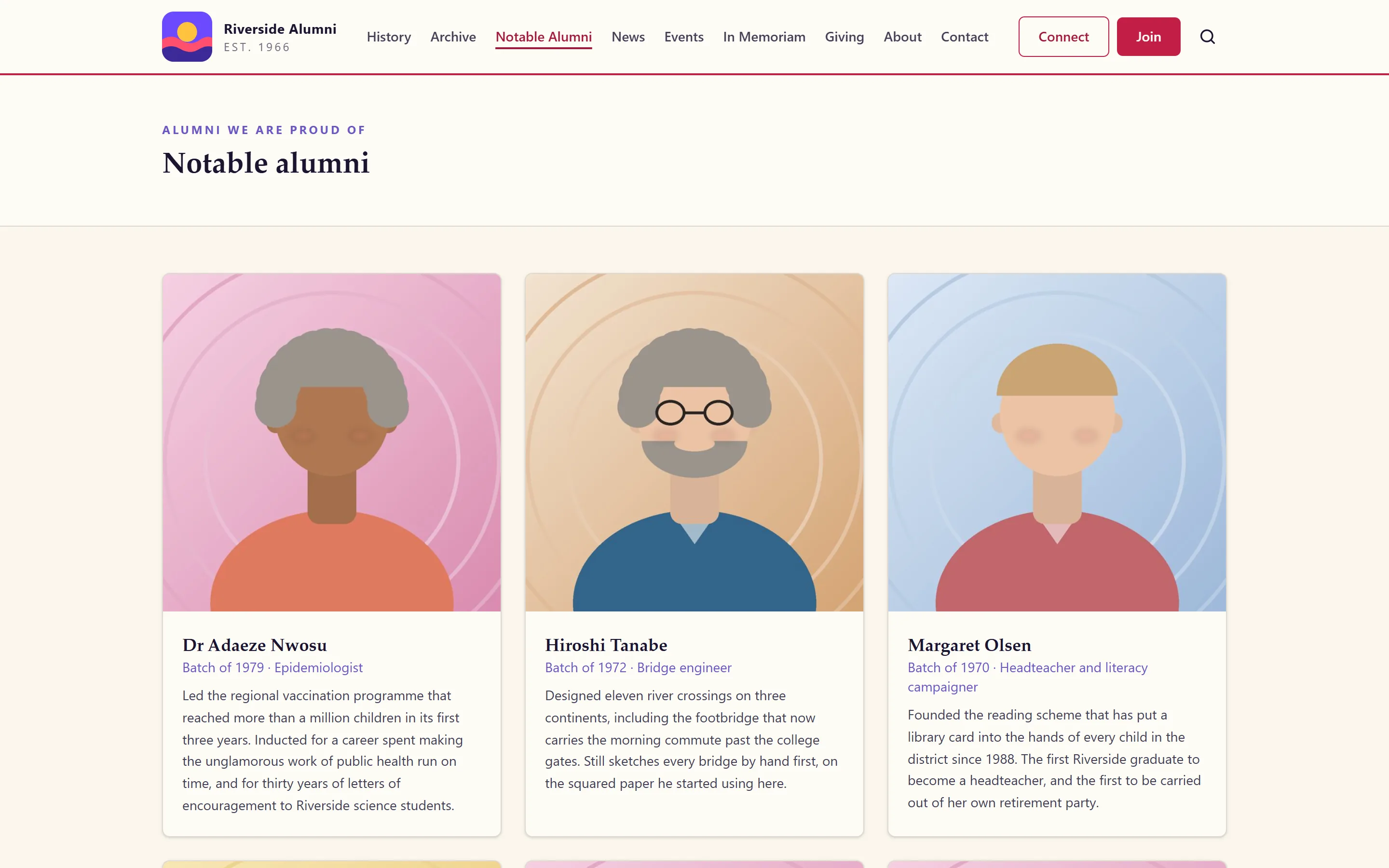
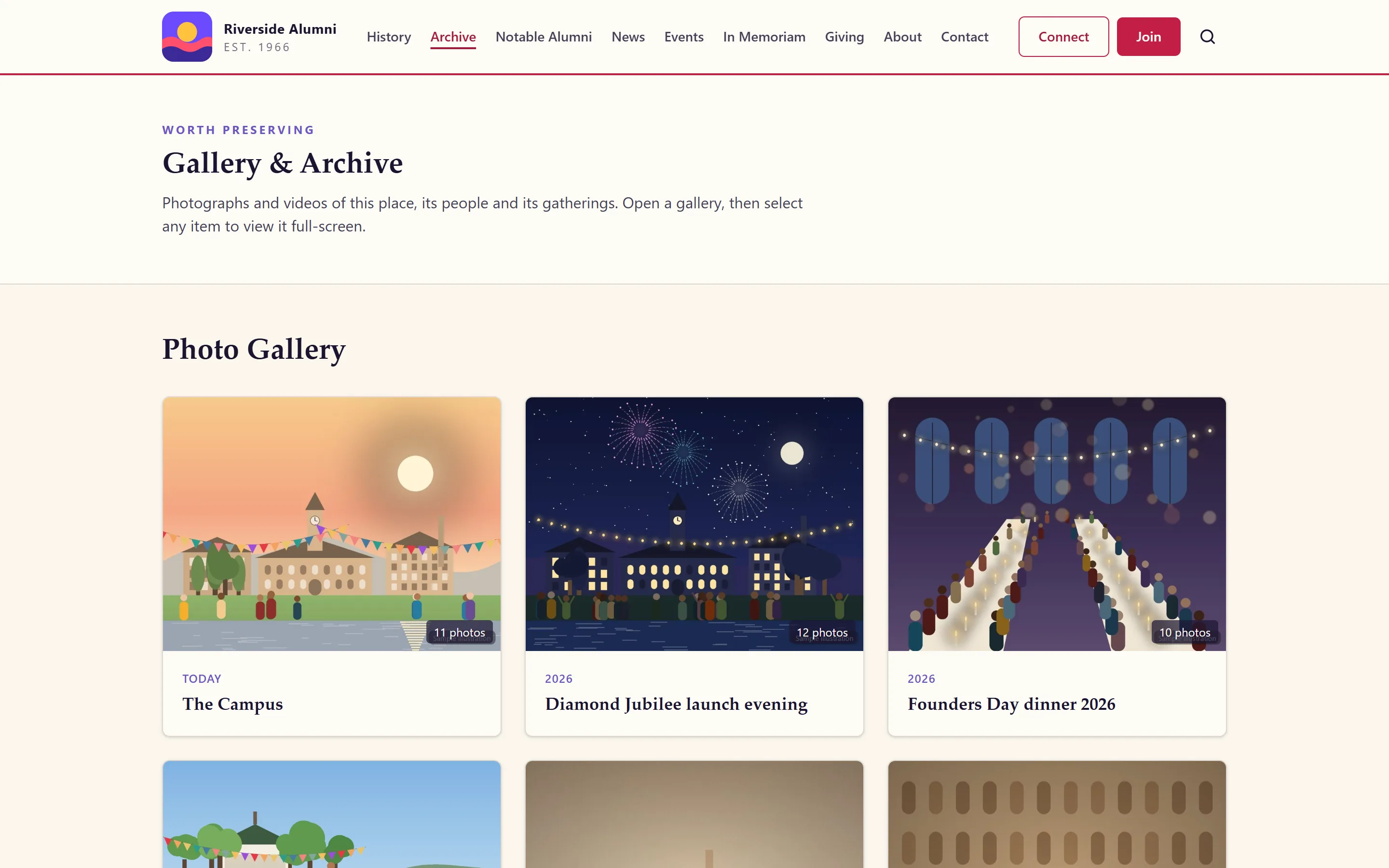
A timeline, a hall of fame, In Memoriam with the family's consent, an archive members add old photos to, and the association's own papers. None of the six alumni platforms we compared lists a history timeline, an In Memoriam page or a hall of fame.

  • The Riverside College history timeline in the demo

    The history timeline

  • The notable alumni hall of fame in the demo

    The hall of fame

  • The gallery and archive albums in the demo

    The photo archive

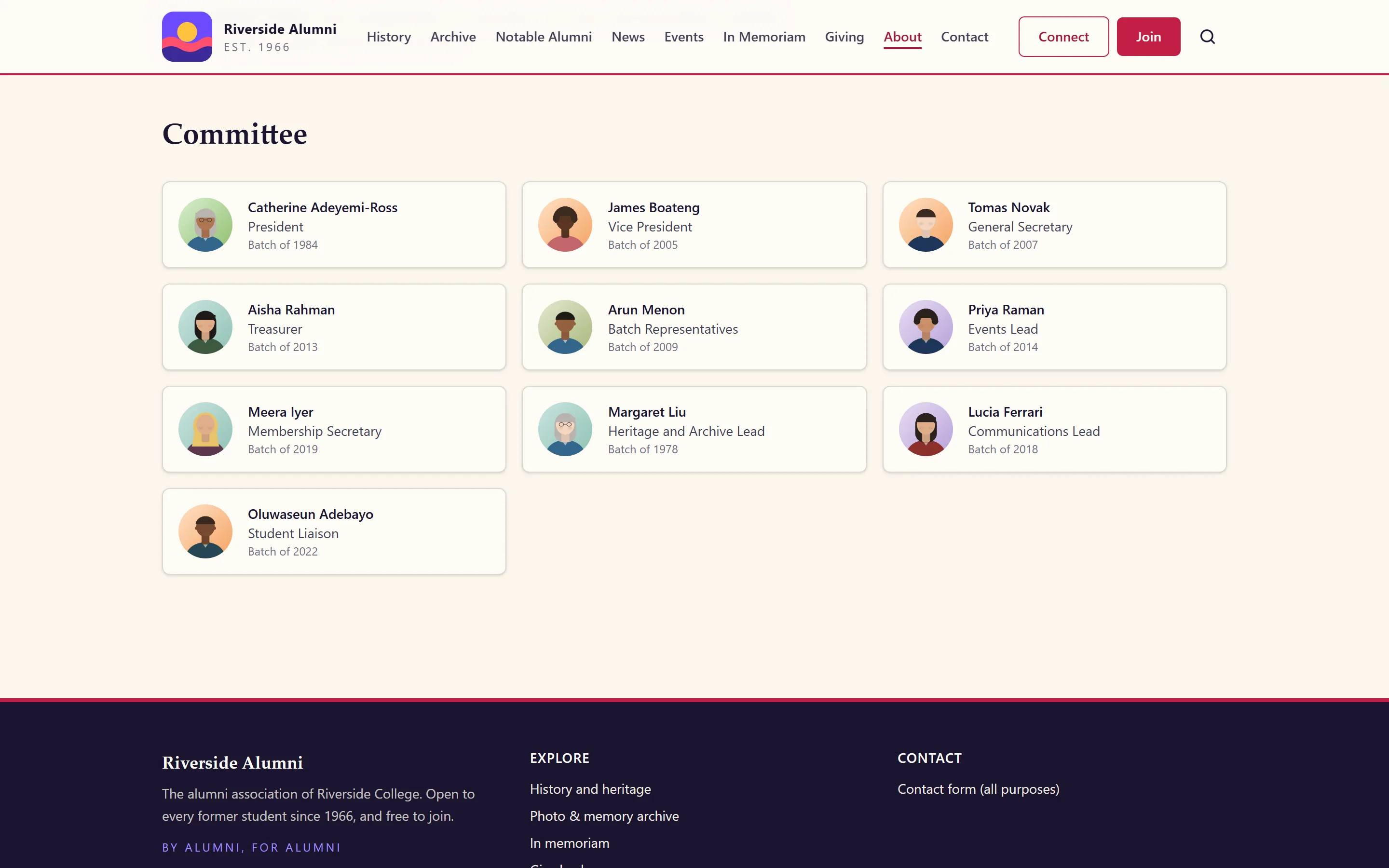
  • The About page with the committee list in the demo

    The committee page

Run · 4 feature areas

Permissions, a log and backups, so nothing rests on one person.

Committees change. The admin side is built so a new volunteer gets exactly what they need, and nothing is lost when someone leaves.

  • Thirteen admin areas

    Give the events lead the events area and nothing else. Settings, backups and member import stay with full administrators.

    The admin panel
  • Three admin layouts

    Console, rail or atrium: the same screens arranged three ways, chosen per site, per person or per device.

    The admin panel
  • Two-factor sign-in for admins

    An authenticator app or an emailed code, required for every admin from the day the site can send email.

    Security and access
  • An audit log kept 365 days

    Sign-ins, failed sign-ins and changes to members, users, money, content and settings, with who, when and from which IP address.

    Security and access
  • Nightly backups at 02:30

    The database, uploads and private documents, written outside the web folder with a SHA-256 checksum per file.

    Backups and restore
  • A restore test every Sunday

    The newest backup is loaded into a scratch database and every table's row count is compared with the live site.

    Backups and restore

Who it is for

Built for the people who keep it going.

Three kinds of institution install AlumDeck on their own hosting. Each page shows the features that matter most to them, in their words.

  • Alumni associations

    Volunteer committees that hand the job over every few years. Area permissions and an audit log make the handover safe.

    For alumni associations
  • Colleges & universities

    A small alumni office and thousands of graduates: CSV import, register matching and giving records for the finance office.

    For colleges and universities
  • Schools

    Year groups, old photographs and a long history: a timeline, a hall of fame and an archive your former pupils add to.

    For schools

The small print, in your favour

Also in the box, no extra charge.

Not every useful thing is a feature area. These come with every install and are on from day one.

Included in every licence, without a page of their own
Also in every installWhat it doesWhere it lives
Site searchSearches published news, events, albums and pages, and skips any feature you have switched off.Public site
Contact inboxSeven purposes, from general questions to hall of fame nominations and In Memoriam requests. Attachments are kept private.Admin
Homepage builderFifteen kinds of block, from a hero banner and a stats band to a gallery, an appeal card and columns. Drag to reorder.Settings
Free-form pagesPages of your own, plus privacy and terms templates that open with a not-legal-advice notice.Admin
BrandingLogo, square badge, favicon, hero photo and four colour pickers, applied without rebuilding anything.Settings
Search engine basicsPer-page titles and descriptions, structured data for events, news and people, a sitemap and an RSS feed.Settings
Installable web appMembers add the site to their home screen. The icon, name and colours are yours.Settings
Regional settingsAny timezone, five date layouts, a 12 or 24-hour clock and any ISO currency code.Settings

Not yet

What AlumDeck does not do yet.

The biggest gaps first. Each feature page lists its own, and the limitations page has all of them.

  • A native iPhone or Android app: members add the site to their home screen instead
  • Hosting: you install AlumDeck on your own hosting, and we do not run it for you
  • Holding your money: online gifts, dues and ticket payments go through your own Stripe, PayPal or Razorpay account
  • Ready-made translations: the interface ships in English, and another language is added by importing a translation file
  • Video calls inside AlumDeck: an online event carries your own meeting link, and a mentor their own booking page
  • Two-way sync with an outside CRM or donor database (there is an API, webhooks and CSV exports)
  • Two-factor sign-in for members: it is for staff accounts only

FAQ

Questions committees ask

Is every feature included in the $49 licence?

Yes. There are no tiers, no add-ons and no price per member or per admin. One licence covers all twenty feature areas on one live site for a year, and every release that comes out during that year.

Can we see every feature before we pay?

Yes. The live demo runs the whole product for a fictional college, Riverside, with 130 sample members. Sign in as an administrator or as a member and click anything. It puts itself back every night.

Which features are off when we install?

Some parts of the twenty feature areas start switched off: surveys and polls, mentoring, membership dues, event tickets with registration and check-in, volunteer roles, text messages, and custom and annual reports. So do most of the optional extras, among them forms, elections, the member map, single sign-on and the API. Online payments stay off until you connect your own payment account. Everything else in the twenty areas is on from the first sign-in, and turning anything on is a switch in Settings, not a purchase.

A feature that is switched off leaves the admin menu, the dashboard and the member menu, and its pages return Not Found. Nothing is deleted, so switching it back on puts everything where you left it.

Do members need to download an app?

No. Everything works in a phone browser, and members can add the site to their home screen as an installable web app. There is no native app in the App Store or Google Play.

What does AlumDeck not do?

It is not a hosted service: you install it on your own hosting. It never holds your money: online gifts, dues and ticket payments go through your own Stripe, PayPal or Razorpay account. The interface ships in English, and another language is added by importing a translation file. There is no native app, no video calls and no two-factor sign-in for members. The limitations page has the full list.

Who on our committee can install it?

Anyone comfortable in a hosting control panel. You upload a zip, open a six-screen installer in the browser and add one cron line. The install guide lists what the hosting plan must offer and walks through every screen, with cPanel as its worked example.

Every feature on this page is in the demo.

Sign in as an administrator or a member and try them in any order. Riverside College puts itself back every night.

Sign-in details on the demo pageResets every night

Type a word, or start with one of these pages.

↑ ↓ moveEnter openEsc close