The timeline
Fifteen entries, 1966 to 2026
Each entry is a year, a title and a paragraph, in the order your committee chooses.
Remember · History & memorials
A history timeline your committee writes, a hall of fame for the alumni you are proud of, and an In Memoriam page that publishes nothing until the family has agreed.

1966 · The doors open
Hall of fame · 12
Published with family consent
Remember · the heritage pages
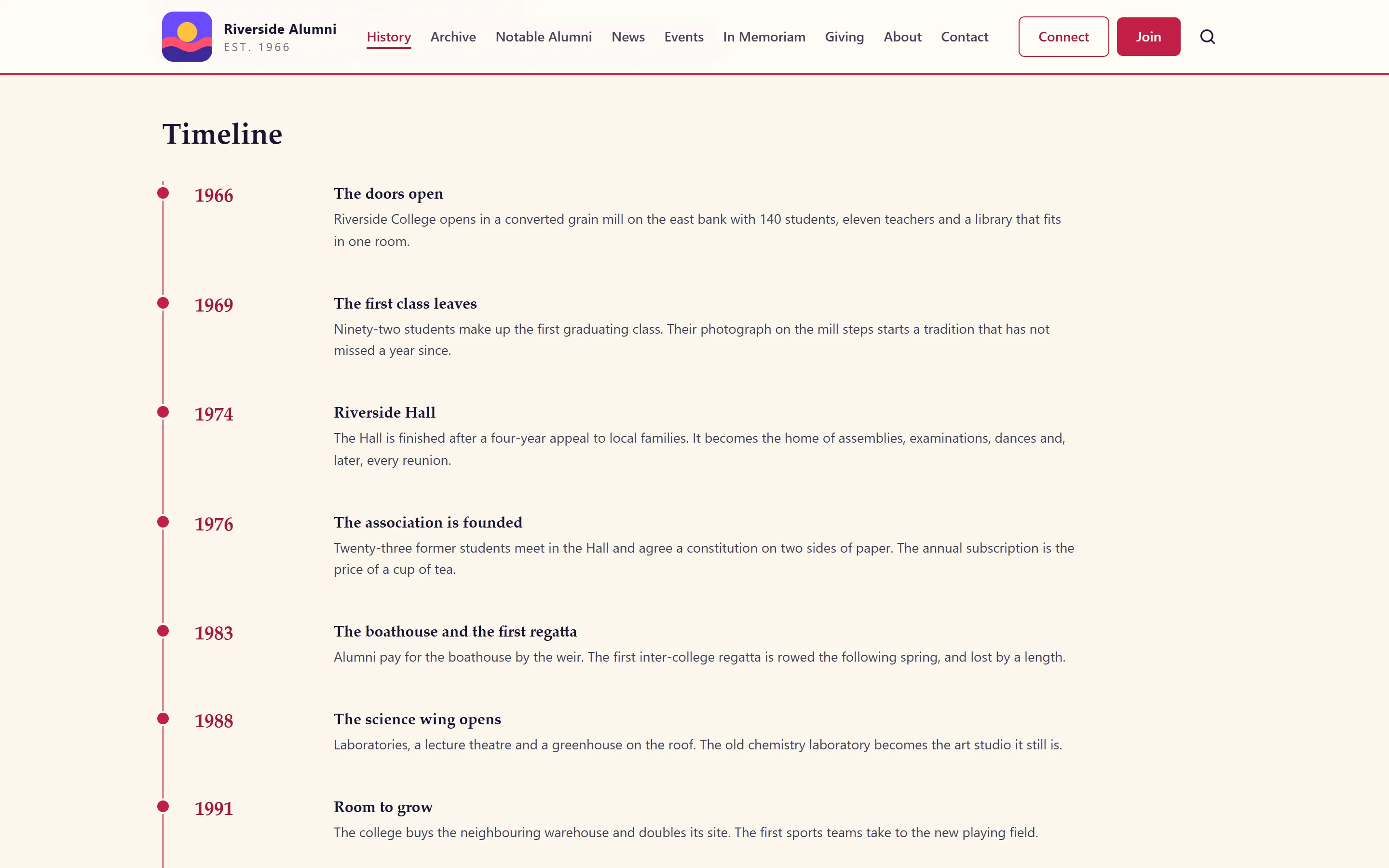
The demo tells the story of Riverside College, a fictional college, from a converted grain mill in 1966 to its Diamond Jubilee. Each entry is a year, a title and a paragraph.
140 students, eleven teachers and a library that fits in one room.
Twenty-three former students and a constitution on two sides of paper.
Nearly a thousand former students come back for the weekend.
The Diamond Jubilee: an appeal, a restoration and a reunion for every decade.
The timeline
Each entry is a year, a title and a paragraph, in the order your committee chooses.
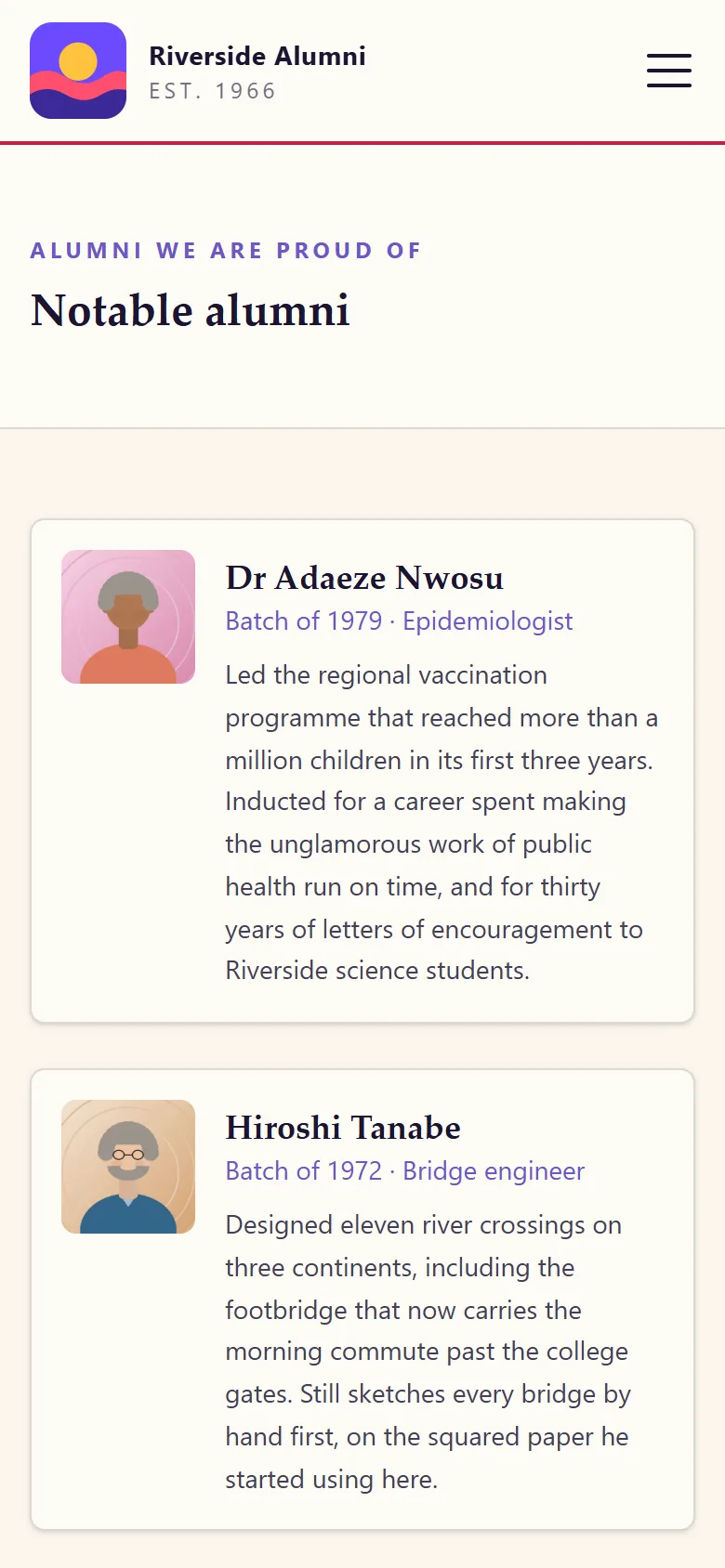
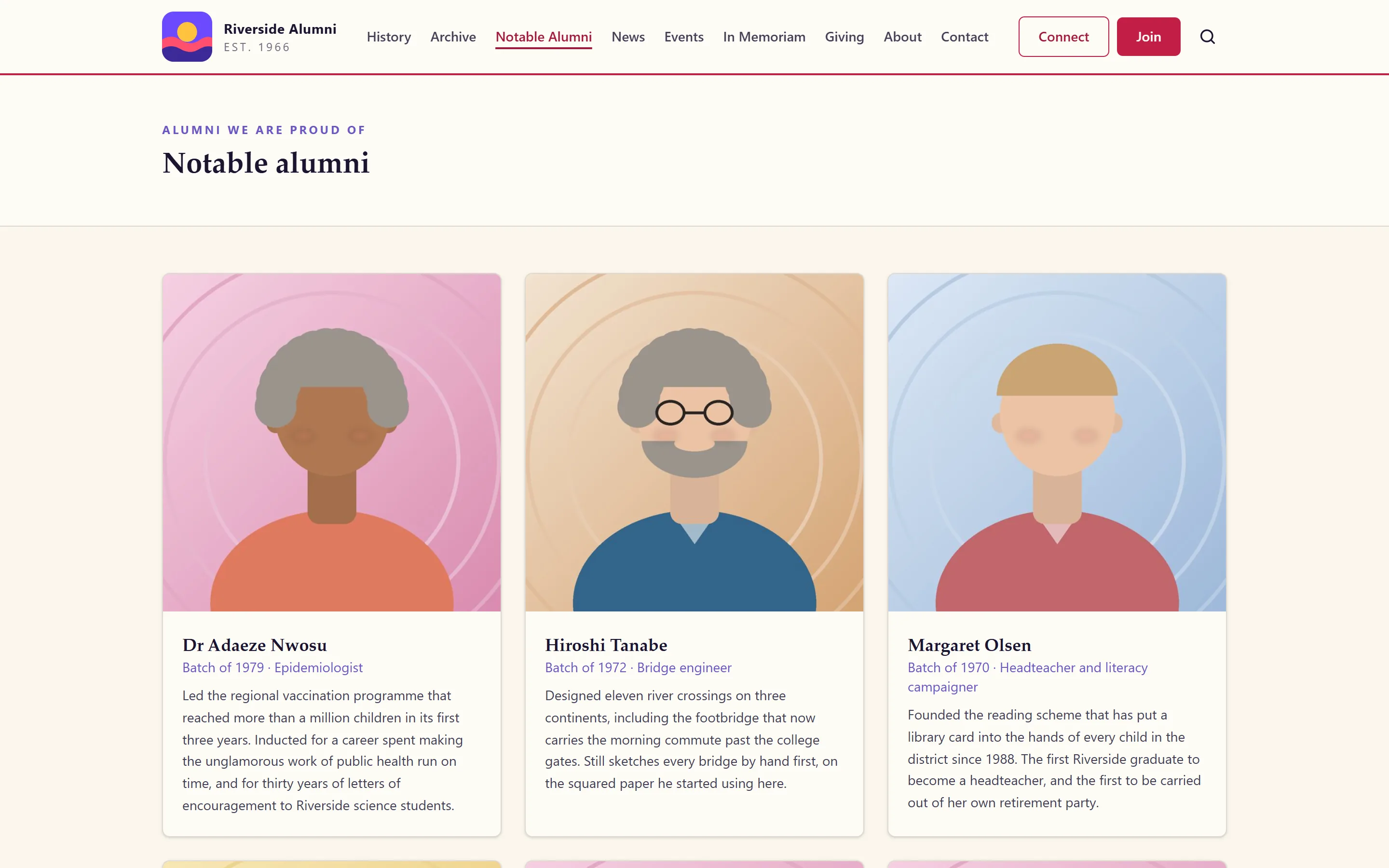
Hall of fame
A photo, a class year and a short biography each. Members nominate; the committee decides.
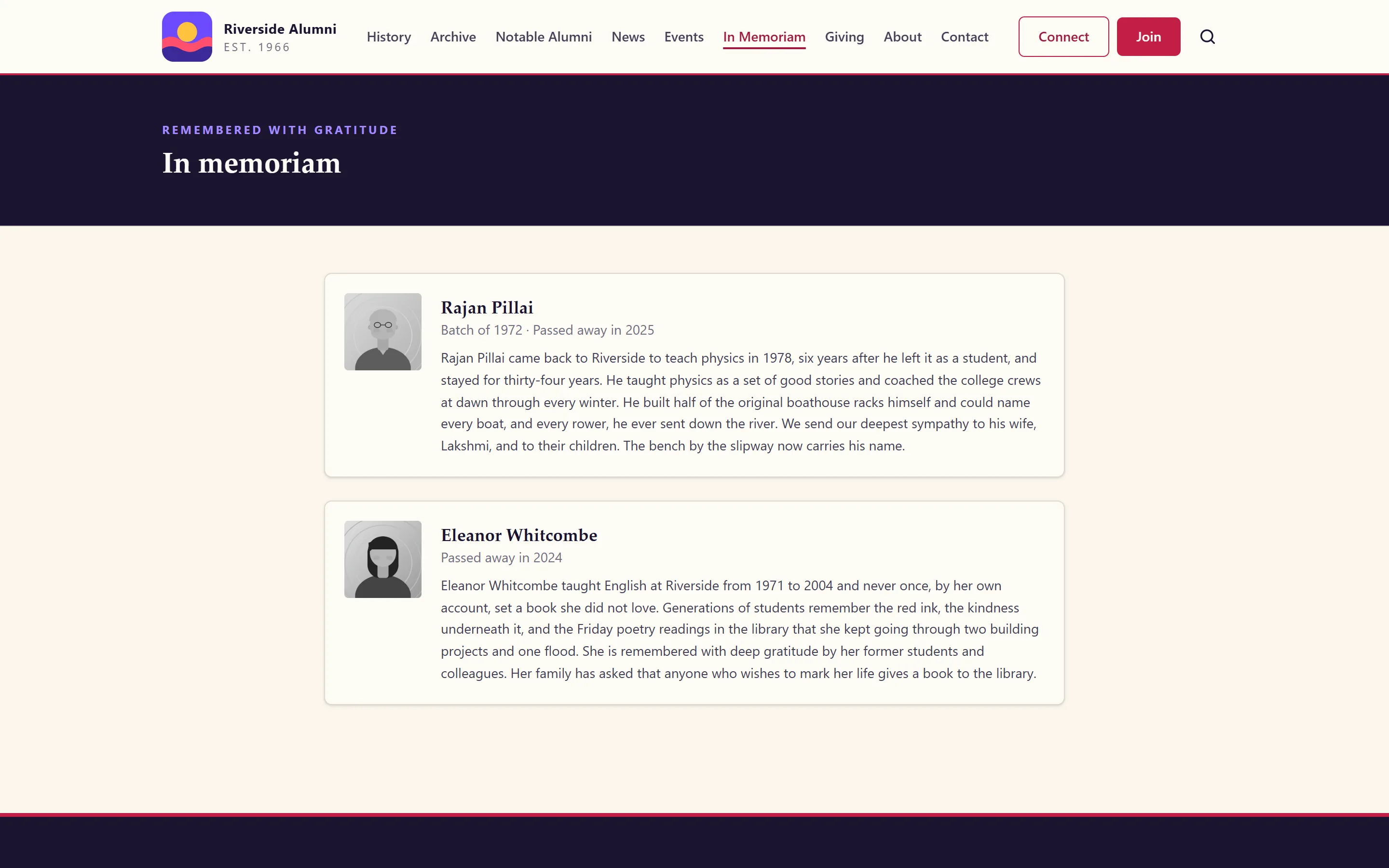
In Memoriam
A notice goes live only after the family agrees. No confetti on this page, ever.
How it works
Each is written in the admin by whoever holds the heritage area, and each is public. The small line above the heading, the heading and the introduction on each page are yours to reword in Settings, Page copy.
History
Add an entry for each moment that matters: a year, a title and a paragraph. The year is free text, so "1960s-70s" works when nobody remembers exactly. Members read it without signing in, and so does anyone searching for your school.
Hall of fame
Each notable alumnus gets a photo, a class year, a profession and a short citation, in the order you set. Members nominate through the contact form; the committee chooses who goes in.
In Memoriam
An entry holds a name, the years and a tribute. It cannot be published until someone ticks that the family has agreed. The page is quiet by design: no animation, no confetti, nothing to share.
Who writes it
A new committee inherits the website, not the memory of the people who built it. Put the story where the next committee will find it: the founding year, the first class, the building appeals, the teachers everyone still talks about.
Give the heritage area to one careful person, often a long-standing member or a retired teacher, and nothing else. Members can send old photographs to the archive to go with it, and add their own news as class notes: short life updates, such as a new job, an award or a wedding, that a volunteer approves before they appear.
Not yet
A tag means a fix is planned. No tag means it is not.
FAQ
Yes. The public contact form has a "nomination" purpose with its own fields. Nominations land in the contact inbox, and the committee decides who goes in.
An entry cannot be published until someone ticks that the family has agreed. Families and classmates can send a request through the contact form's In Memoriam purpose, so nobody has to find the right email address at a hard time.
Type what you know. The year on a timeline entry is free text, so "1960s-70s" or "about 1958" is fine.
Yes. The Heritage switch in Settings takes the history, hall of fame and In Memoriam pages down and hides their admin screens. The built-in menu and the footer drop their links by themselves, and your committee list and your own pages, such as the privacy policy, are not affected.
One thing to know: a menu you built yourself keeps the links you put in it, so take the heritage links out of it by hand.
None of the six alumni platforms we compared lists a history timeline, an In Memoriam page or a hall of fame. See the comparisons for the sources.
Sixty years of a fictional college in fifteen entries, a hall of fame of twelve, and an In Memoriam page. Nothing here needs a sign-in.
Sign-in details on the demo pageResets every night