AlumDeck

Gather · Events & RSVP

Reunions people actually turn up to.

Public event pages that members answer Yes, Maybe or No to. A Yes on a ticketed event emails a free QR ticket, and a volunteer at the door checks it in on their own phone.

From invitation to the door

Everything between the invitation and the door.

The event page

An event page worth sharing

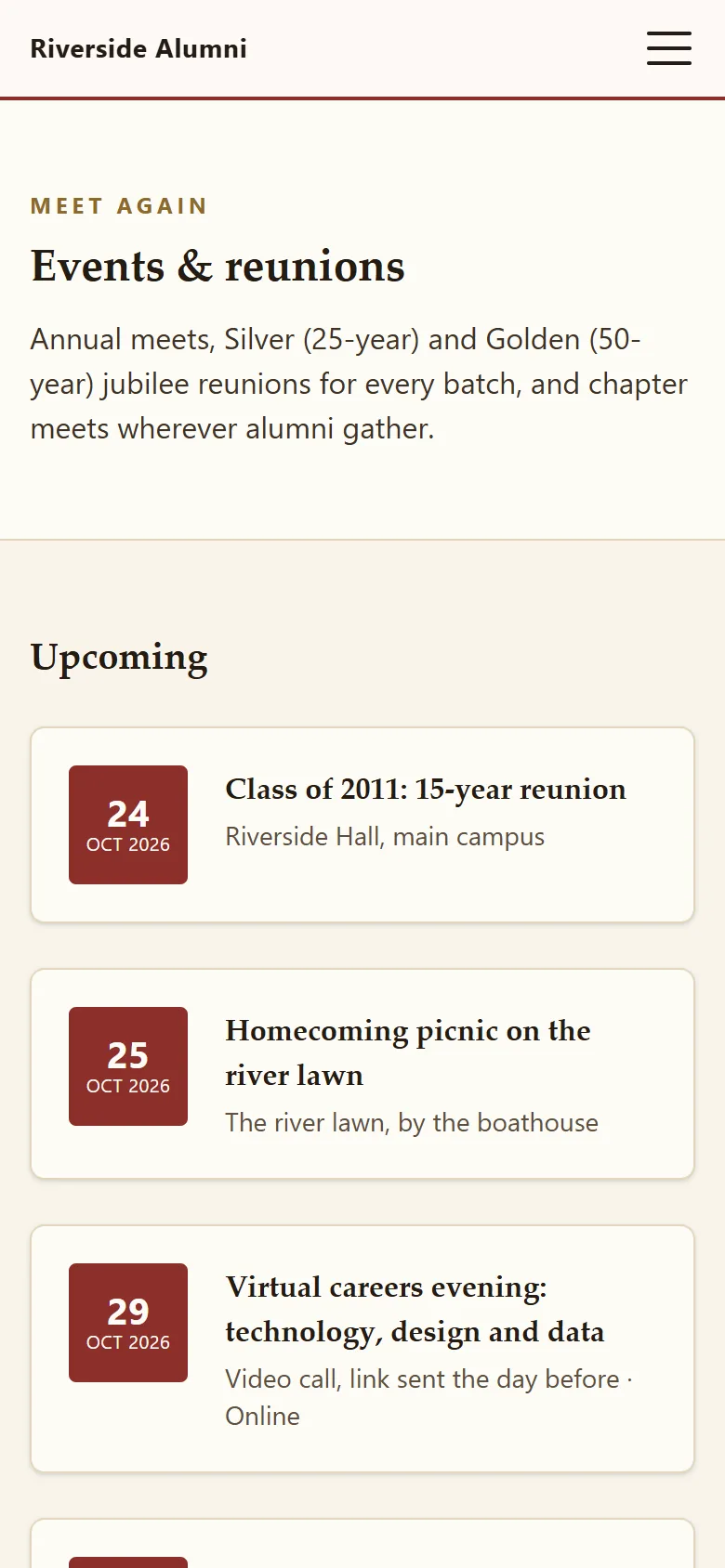
Title, venue, start and end, a cover image and your description. Not sure of the date? Mark it TBA. Online? Tick a box. Upcoming and past events list themselves, and each page tells search engines it is an event.

  • A TBA state for dates still being argued about
  • An optional external RSVP link for guests
  • Its own search title, description and image
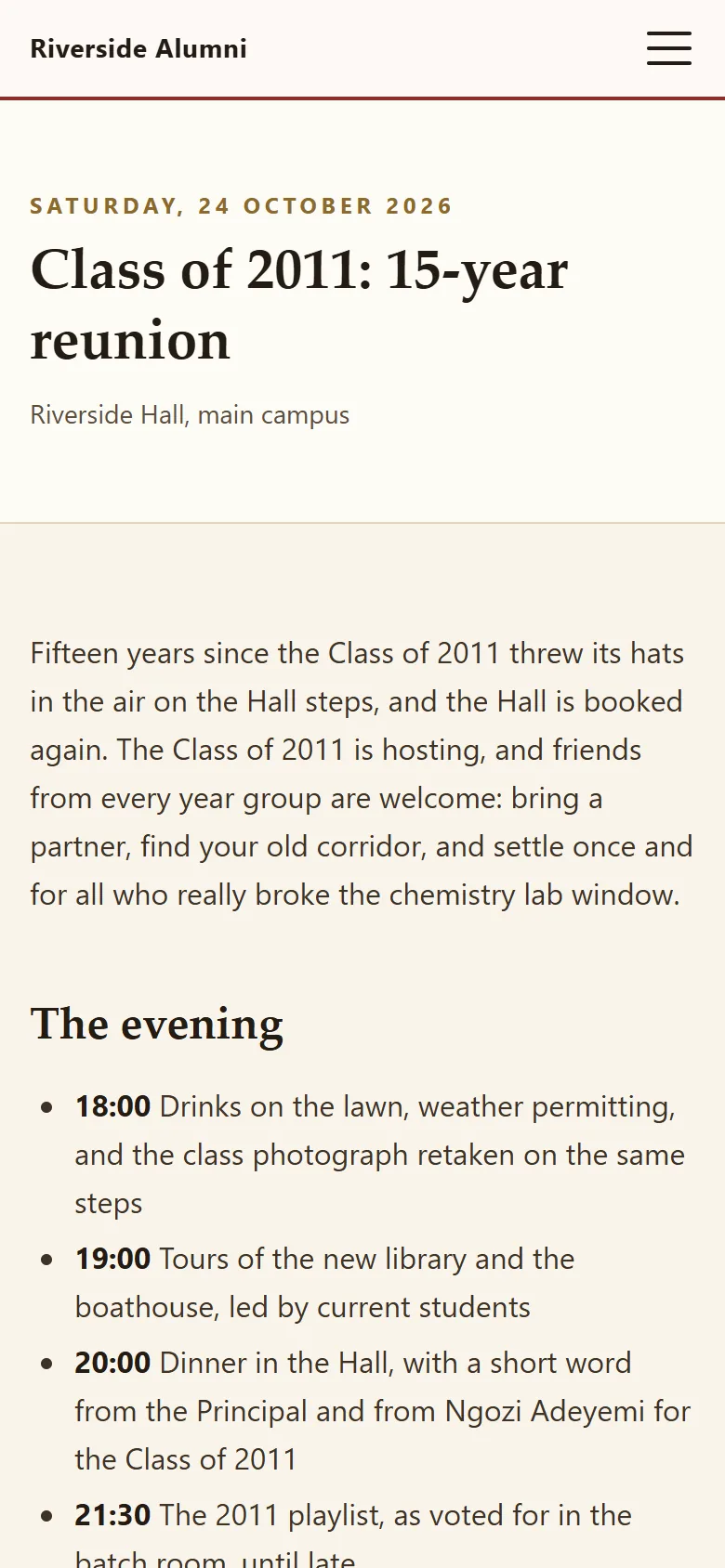
Open this event in the demo

RSVP

Yes, Maybe or No, in one tap

Signed-in members answer on the event page itself and can change their mind. Set a capacity and it applies to the Yes answers; the page shows how many seats are left.

  • One answer per member, changeable
  • Seats left shown on the page
  • New events emailed to members who opted in

Tickets and check-in

A free ticket, checked in on any phone

Switch tickets on for an event and every Yes gets an 8-character code by email, with a QR code on the member's ticket page. At the door, a volunteer points their phone at it or types the code, and confirms.

  • Codes avoid look-alike characters such as 0 and O
  • Results: checked in, already checked in, or unknown
  • Who checked each person in, and when, is stamped

Reunion night, step by step

What happens, and when, without anyone chasing.

  1. Publish the event

    Within a minute, members who opted in to announcements get an email about it.

  2. Members say Yes

    Each Yes takes a seat. On a ticketed event, a ticket with a QR code is emailed straight away.

  3. Two days before

    At 09:00 every day, everyone who said Yes to an event starting within two days gets a reminder.

  4. At the door

    Volunteers with the events area check people in on their own phones. No app, no scanner.

  5. The morning after

    Download the attendance CSV: who said Yes, who had a ticket and who actually came.

Not yet

What event pages do not do yet.

Where an item is planned, the tag names the release on the public roadmap. Where there is no tag, it is not planned.

  • Paid tickets, ticket types or member prices Planned: release 1.3
  • RSVPs from guests who are not members, or plus-ones Planned: release 1.3
  • Waitlists when an event is full Planned: release 1.3
  • Questions to answer when registering, such as dietary needs Planned: release 1.3
  • Switching tickets off does not yet stop tickets being issued on a ticketed event Planned: release 1.1
  • Add to calendar, .ics files or recurring events

FAQ

Questions committees ask

Can people who are not members RSVP?

Not through AlumDeck: only signed-in members can answer Yes, Maybe or No. For guests, add an external RSVP link to the event. Guest registration and plus-ones are planned for release 1.3.

Do we need a scanner for check-in?

No. The volunteer at the door opens the QR link with any phone camera, or types the 8-character code. They only need the events area in the admin, nothing else.

Can we charge for reunion tickets?

Not yet: tickets are free. Collect money the way you already do and record it as a gift if you like. Paid tickets with member prices are planned for release 1.3.

What if someone changes their RSVP from Yes to No?

Their ticket is voided and the seat goes back to the pool, so "seats left" goes up by one. If they change back to Yes, the ticket comes back.

Do reminders go out on their own?

Yes, once your cron line is in place. Every day at 09:00 AlumDeck emails everyone who said Yes to an event starting within the next two days.

Can we run online events?

Yes. Mark the event as online and put the meeting link in the description or the external link. Search engines are told it is a virtual event.

RSVP to the Class of 2011 reunion in the demo.

Sign in as a member, say Yes, and the ticket with its QR code is yours. It all resets tonight.

Sign-in details on the demo pageResets every night