AlumDeck

Gather · News & newsletters

Tell every class what happened.

News posts with scheduling and an RSS feed, announcements emailed to members who asked for them, and email campaigns aimed at exactly the classes, cities or people you choose.

  • 3post types: news, story, spotlight
  • 1minute from publishing to the email
  • 5engagement bands to aim at
  • 60campaign emails a minute

How it works

One post, every class hears about it.

Write it once. AlumDeck tells the members who asked to be told, and nobody else.

News

News, stories and spotlights

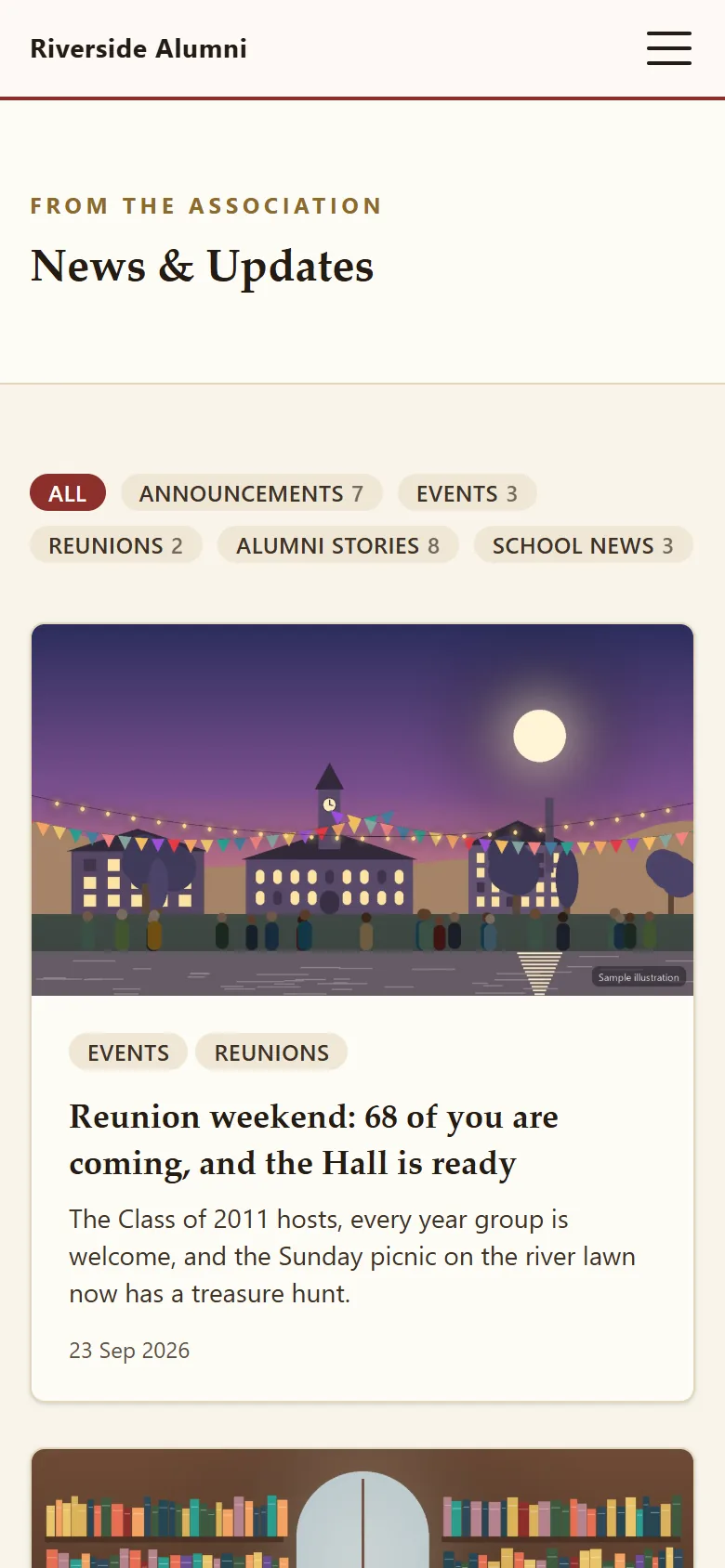
Three kinds of post, with categories, a cover image, an excerpt and an author. Write in a short, safe toolbar; publish now or pick a date and time. Each post has its own search title and description, and the feed at /news/feed.xml updates itself.

  • Future publish dates for scheduled posts
  • Categories created as you type
  • Marked up as news articles for search engines
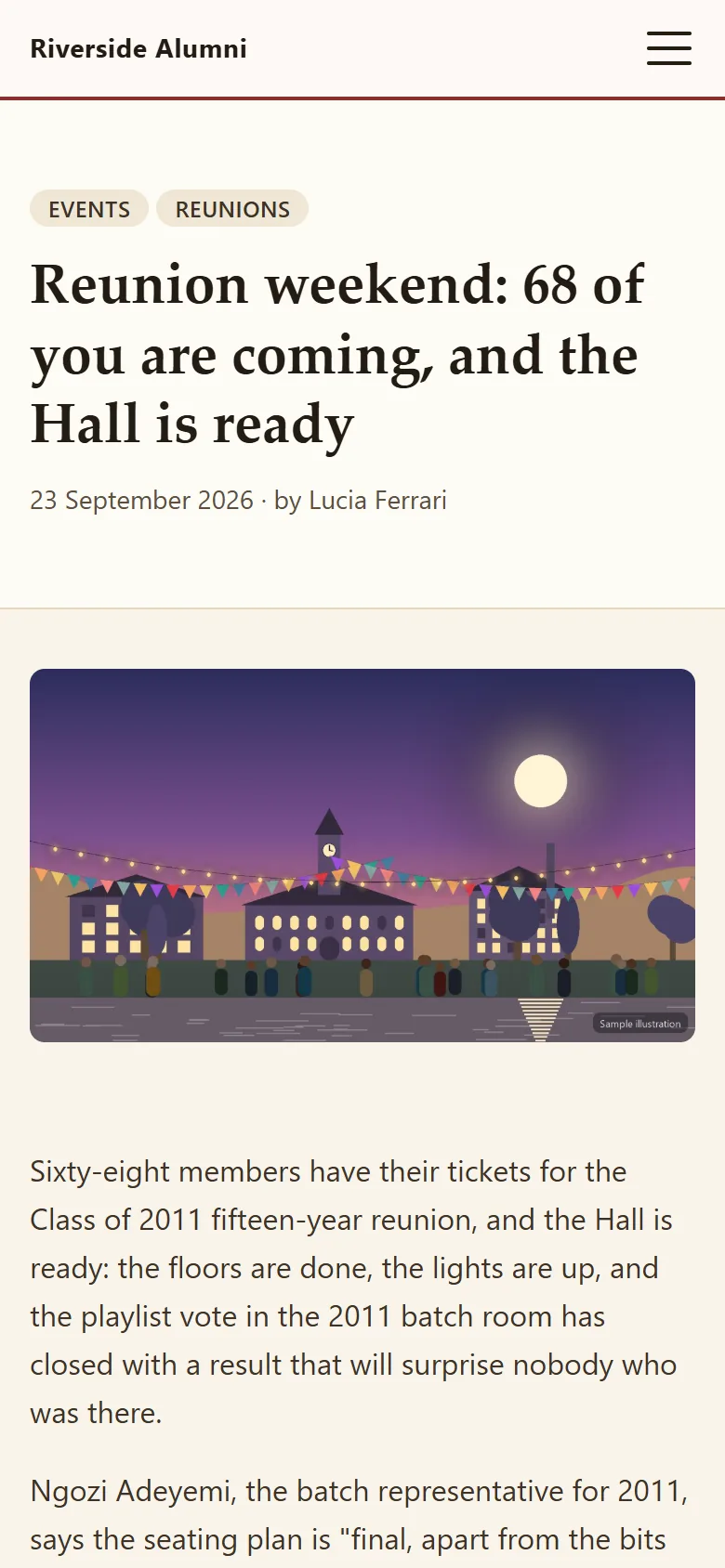
Open a news article in the demo

Announcements

Emails that send themselves

Publish a post, an event or an association document and, within a minute, members who opted in to announcements are emailed about it. Birthday greetings go at 08:00, new members are welcomed in a monthly digest, and the committee gets a Monday summary.

  • Never sent twice, even if two runs overlap
  • Birthday greetings every morning
  • A weekly digest of what is waiting for the committee

Email campaigns

A campaign to exactly the right people

Write in Markdown, then choose the audience: a range of class years, cities, engagement bands from "new" to "champion", mentors only or volunteers only. Count it, send yourself a test, and queue it.

  • Consent checked again for every recipient as it sends
  • One bad address cannot hold up the queue
  • Or export the opted-in members as a CSV for another mail service

WhatsApp lists

WhatsApp lists, sent from your own phone

Filter members by class years and cities, write the message once, and AlumDeck gives you a list: one "Open chat" link per member, message already filled in, plus a CSV of the numbers. Tap, send, come back, tap the next.

  • No WhatsApp Business account and no per-message fee
  • Every list is logged
  • Set your country code so local numbers get links

Not yet

What the news and email tools do not do yet.

Where an item is planned, the tag names the release on the public roadmap. Where there is no tag, it is not planned.

  • An unsubscribe link in campaign emails Planned: release 1.1
  • Scheduled sends: "Queue send" starts straight away Planned: release 1.4
  • Click tracking and bounce handling (opens are counted) Planned: release 1.4
  • An email designer or saved templates Planned: release 1.4
  • WhatsApp messages sent for you through the Business API Planned: release 1.4
  • SMS Planned: release 2.0
  • Comments or share buttons on news posts

FAQ

Questions committees ask

Do we need our own mail server?

You need somewhere to send from: any SMTP service or your host's sendmail. Enter it in Settings, Mail and press "Send a test email". Until you do, AlumDeck writes emails to a log instead of sending them, so nothing goes to a stranger by mistake.

Can we schedule a newsletter for next week?

News posts, yes: give a post a future publish date and it appears then, and the announcement email follows. Email campaigns, not yet: "Queue send" starts now. Scheduled sends are planned for release 1.4.

How many members can one campaign reach?

There is no cap. AlumDeck sends 60 emails a minute per campaign, which is gentle on shared-hosting mail limits: 1,000 members take about 17 minutes.

Does the WhatsApp tool send messages for us?

No. It builds the list and a pre-filled chat link for each member, and you send each one from your own phone. There is no WhatsApp Business account behind it and no per-message fee.

Can we see who opened a campaign?

You see how many members opened each campaign (the first open per person is counted). You do not see clicks.

Can members choose what email they get?

Yes. Three switches on their profile: membership, community and announcements. AlumDeck checks the choice again for every recipient at the moment a campaign sends. Account and security emails always arrive.

Read the Riverside news, then write a campaign.

Sign in as the administrator, open Email campaigns and count an audience. Nothing is sent from the demo.

Sign-in details on the demo pageResets every night