AlumDeck

The admin panel

The panel a volunteer committee actually has to live in

Twenty-nine sections in six groups, eighteen screens, and one hundred and four settings, every one of which is guaranteed by a test to have a field somewhere. This is where the evening actually goes, so it is worth looking at closely.

Sections
29 resources, 18 screens
Settings
104 keys, plus 56 per-page SEO fields
Admin themes
Three, identical in features
Jump to anything
Ctrl+K, or Cmd+K on a Mac

The dashboard

A dashboard each person arranges themselves#

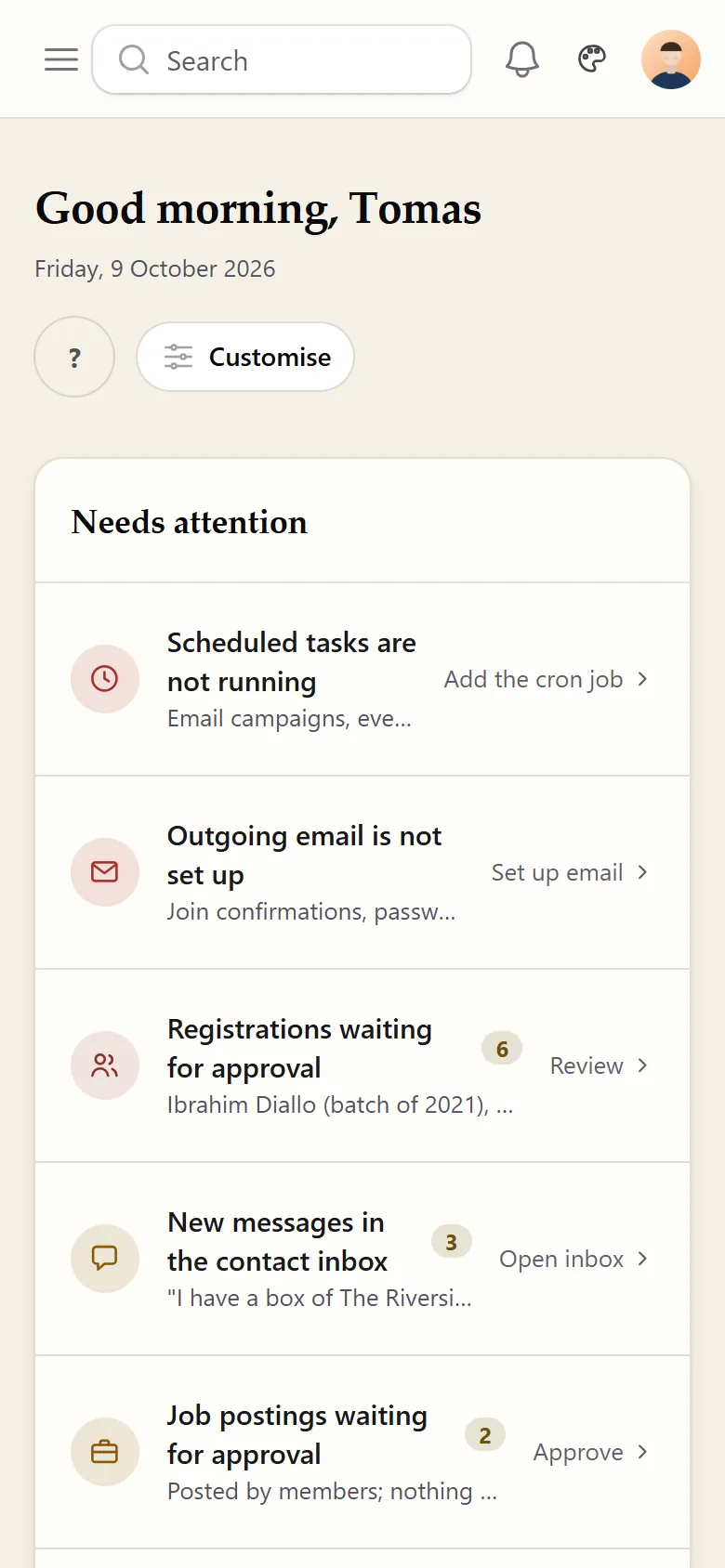
Seven widgets ship: an attention queue that gathers everything waiting on a human, alumni statistics, a giving overview with per-appeal progress, upcoming events, recent audit activity, members by batch and a registrations trend. Each is gated by permission, so a volunteer sees the ones they are allowed to see and no placeholder for the rest.

Customisation is layered. There is the packaged default, then an optional site default a full administrator saves for everybody, then a personal layout per user. Reorder by dragging or with the keyboard, hide what you do not use. Resetting your layout stores nothing rather than a copy, so you go back to following the site default and keep getting future changes to it.

Permission always beats preference: a widget you cannot view is dropped from your layout rather than shown empty, and a widget whose check fails is treated as denied. Widgets shipped in a later release are appended to existing layouts, visible, rather than being lost.

The AlumDeck admin dashboard in its default theme. A greeting reading Good evening, Demo sits above a Needs attention card saying nothing is waiting. Six count cards follow: Members 12 with 12 in the public directory, Pending registrations 0, Published news 3, Upcoming events 6, Gallery albums 1, and New messages 0 with the inbox clear. Two wider panels below hold Upcoming events with dated entries and Recent activity listing audit entries, each with a link to the full screen. A sidebar on the left groups the sections under headings including Membership, News/Updates and Galleries.
The queue of things waiting on a human comes first, then the counts, then the two panels a committee actually reads. Every widget here can be reordered or hidden, per person.

The command palette

One box for screens, settings and records#

Press Ctrl+K, or Cmd+K on a Mac, and type. You get your records, every screen your account is allowed to open, and every individual setting by name, mapped to the screen that owns it. An alias table lets you search the way you think: smtp, gmail or sender find the mail screen; gdpr or consent find the cookie banner; ga4, gtm or pixel find analytics; colour finds the theme; receipt finds giving.

Permissions are re-checked for the person typing on every query and never cached, so the palette can never offer a shortcut into a screen that would then refuse them.

Worth knowing: record results are grouped by the resource they came from, and those group labels are the raw table names - gifts, members, users - rather than the tidy titles used for Screens and Settings. It reads a little inconsistently until you know why.

Appearance

Three themes, and four colour pickers for the public site#

Atrium, the default

A zoned sidebar with live badges and a briefing-style home. The one most committees keep.

Console

Horizontal navigation across the top and a work-queue home. Familiar to anyone who has used a classic content management system.

Rail

A slim icon rail, dense rows and a triage home, built for the keyboard and the command palette.

Chosen in three places

A site default, a personal setting on your own profile, and a button in the top bar that changes it for the device you are on. Every screen and option exists in all three.

The Admin appearance settings screen. A panel headed Admin theme explains that this is the default look for every administrator, that individual admins can override it on their profile page, that the palette button in the top bar switches the theme on the current device only, and that all screens and options are available in every theme. Three radio options follow: Console, top navigation with a work-queue home; Rail, an icon rail, command-first and dense; and Atrium, a zoned sidebar with a briefing home, which is the one selected. A Save changes button sits below them.
The screen says the part that matters out loud: all screens and options are available in every theme.
The same admin dashboard rendered in the console theme. The sidebar is gone and the navigation runs horizontally across the top, from Dashboard and Membership through to Settings and Giving. The page is headed Home, with a Needs attention card above two panels, Recent activity and Upcoming events. One activity row records that an admin session was terminated because the browser signature changed mid-session.
Console, on the same installation and the same data as the dashboard higher up this page. A theme here is a stylesheet, not a different product.

The public site is themed with four colour pickers. The primary colour generates a full range of shades by mixing toward white and black, and all four are injected as a runtime override rather than compiled, so there is no build step on your hosting. Leave them blank and you get the packaged palette exactly as designed. An invalid colour is dropped rather than breaking the page.

Branding is separate again: a wide header logo with a render height, a square badge, a favicon, a header subtitle, a homepage hero photograph, and the switch that lets members install the site to a phone.

The address

Move the admin panel off /admin#

Set an address in Settings and the panel moves there. It has to start with a letter or digit, is capped at forty characters, and is refused if it collides with any of roughly forty segments the public site already uses. Saving clears the route cache, redirects you to the new address and leaves a persistent notice telling you to bookmark it, because the old address stops working immediately.

The panel address and the licence lock read the same value, which is the sort of detail that matters exactly once, on the day somebody moves it.

Quote the product back at itself. The settings screen says: "This is not a password. It makes the panel harder to find, not harder to break into." That is the right way to think about it, and the reason the work described on the security page exists.

The limits

What you cannot change#

This is a settings panel, not a page builder. You control colours, content, which homepage blocks appear and in what order, the menus, the footer and per-page SEO. You do not control the arrangement of a page template, there is no custom CSS field, no font picker, no dark mode for either the public site or the admin panel, and no theme marketplace.

There are also no custom fields on member records: the profile has the fields it has. And there is no version number displayed anywhere in the panel, so knowing which release you are running means checking the file you downloaded.

Questions about the admin panel#

Does the Ctrl+K search find members and posts?

Yes, and screens and settings too. One box covers all three: type a member surname and you get their member record, their user account and any gift against their name, each grouped by what it is; type a word like theme and you get both the screen and the setting that owns it.

Settings are matched on human words as well as their real names, so gdpr, smtp and pixel all find the right screen.

Can we move the admin panel off /admin?

Yes. Set an address in Settings and the panel moves there immediately. It is checked against roughly forty reserved words the public site already uses, and saving shows a persistent reminder to bookmark the new address because the old one stops working at once. As the screen itself says, this is not a password: it makes the panel harder to find, not harder to break into.

Do the three admin themes have different features?

No. They are three stylesheets over the same panel, so every screen and every option exists in all three. Atrium is the default; Console is a horizontal top navigation with a work-queue home; Rail is a slim icon rail for people who live in the keyboard.

Can each committee member arrange their own dashboard?

Yes. Widgets can be reordered by dragging or with the keyboard, and hidden individually. A full administrator can save a layout as the site default for everybody. Resetting your own layout does not copy the default, it follows it, so future changes reach you.

How much can we change without a developer?

Colours, logo, badge, favicon, header subtitle, hero photo, the homepage blocks, the menus, the footer, per-page SEO, mail, giving and the module switches, all as forms. What you cannot change is the arrangement of a page template: this is a settings panel, not a drag-and-drop page builder, and there is no theme marketplace.

The demo has the admin panel unlocked

Try the command palette, switch themes, rearrange the dashboard and break something. It is put back every night.