Hall of fame
Nominated by old pupils
Nominations arrive through the contact form under their own topic, and the committee decides who is added.
Use case · School heritage archive
The school's story is in a filing cabinet, the magazine archive and old pupils' shoeboxes. AlumDeck gives it a home: a timeline, an In Memoriam page that waits for the family's consent, a hall of fame, and a photo archive old pupils add to and a moderator checks. $49 a year, on the school's own hosting.
Check it
Riverside College, 1966 to 2026, in the demo.
Open the timelineCheck it
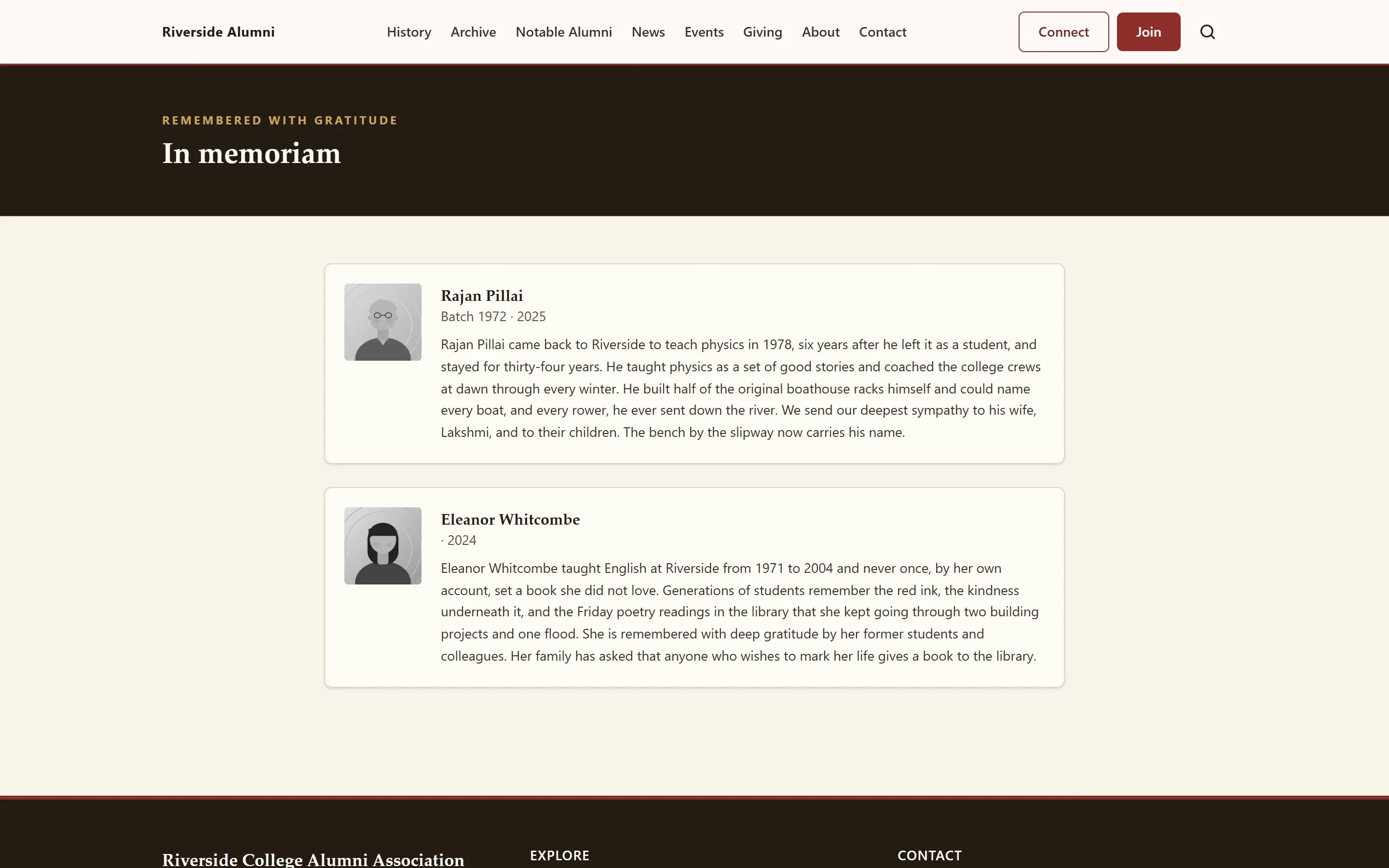
Two tributes in the demo. An entry cannot go live until family consent is ticked.
Read themCheck it
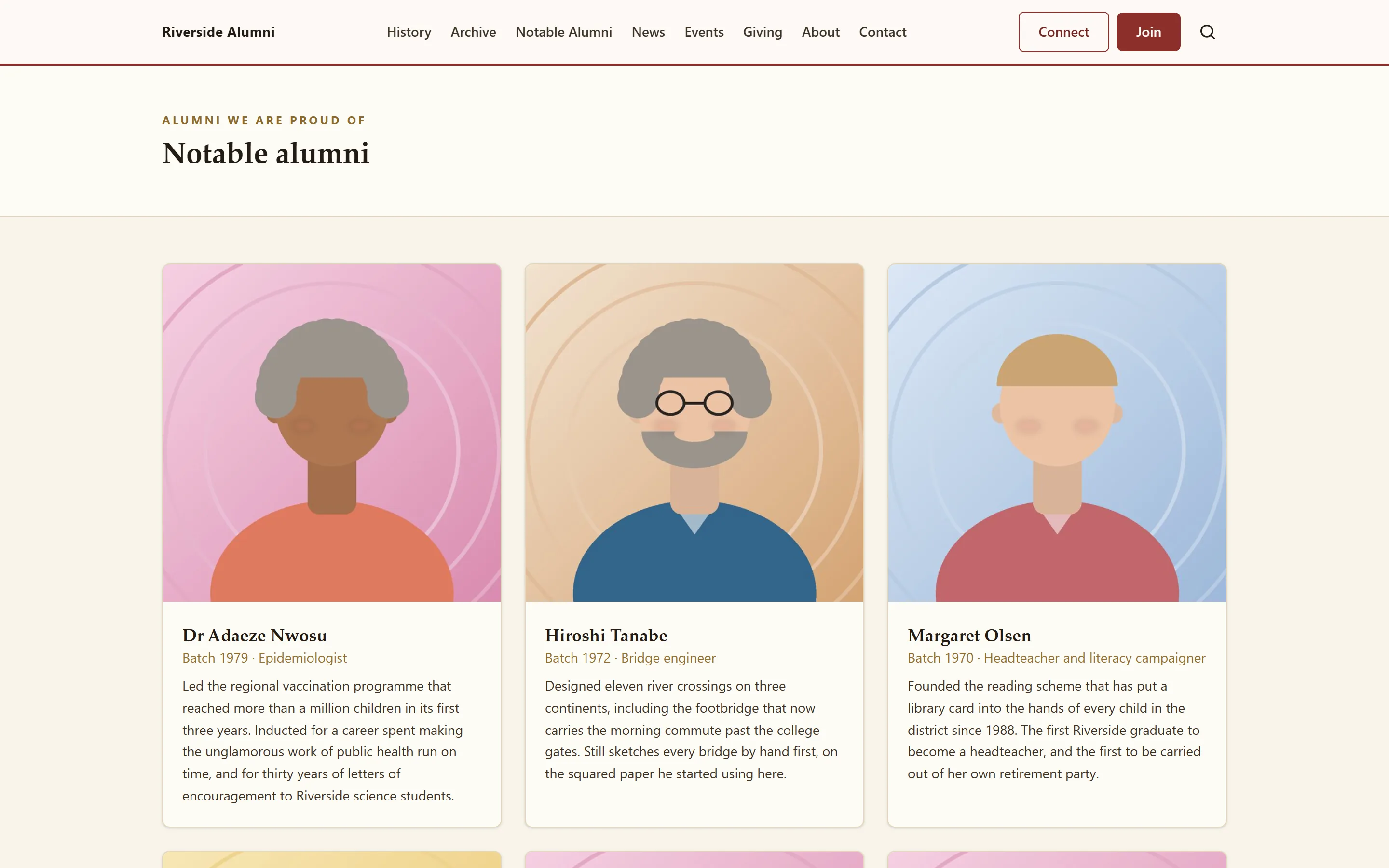
Notable alumni with class years, professions and citations.
See the hallCheck it
Albums from the founding years to the Diamond Jubilee.
Browse the archiveCheck it
No face tagging and no video uploads. The full list.
LimitationsCheck it
Every heritage page is in the licence; nothing is an add-on.
PricingThe problem
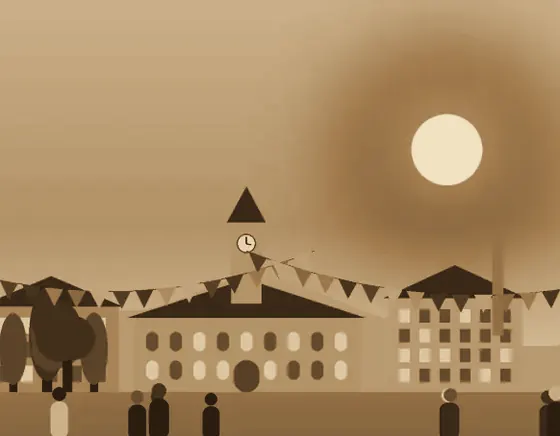
The campus, 1966

Founders Day dinner, 1976

Sample archive: The Hall, 1974

Caps in the air, 2026

Jubilee night, 2026
Most of a school's history is not in any official file. It is in albums, in the backs of drawers and on the phones of people who were there. The people who remember the first decades are in their seventies and eighties, and a few more photographs are lost every year.
AlumDeck does not replace an archivist. It gives the school somewhere public to tell the story, a way for old pupils to send what they have, and a moderator between their upload and the website.
Remember · built in
None of the six alumni platforms we compared lists a history timeline, an In Memoriam page or a hall of fame. AlumDeck has all three, plus a photo archive. The entries below are from the demo's invented college.
A converted grain mill, 140 students and eleven teachers.
Twenty-three former students and a constitution on two sides of paper.
Endowed by alumni for students who could not afford the fees.
The Diamond Jubilee year. The next entry is yours.
Hall of fame
Nominations arrive through the contact form under their own topic, and the committee decides who is added.
In Memoriam
Families write in the same way. The tribute waits until their consent is ticked.
The archive
Old pupils send photographs; a moderator checks each one before it joins an album.
What it does
Timeline
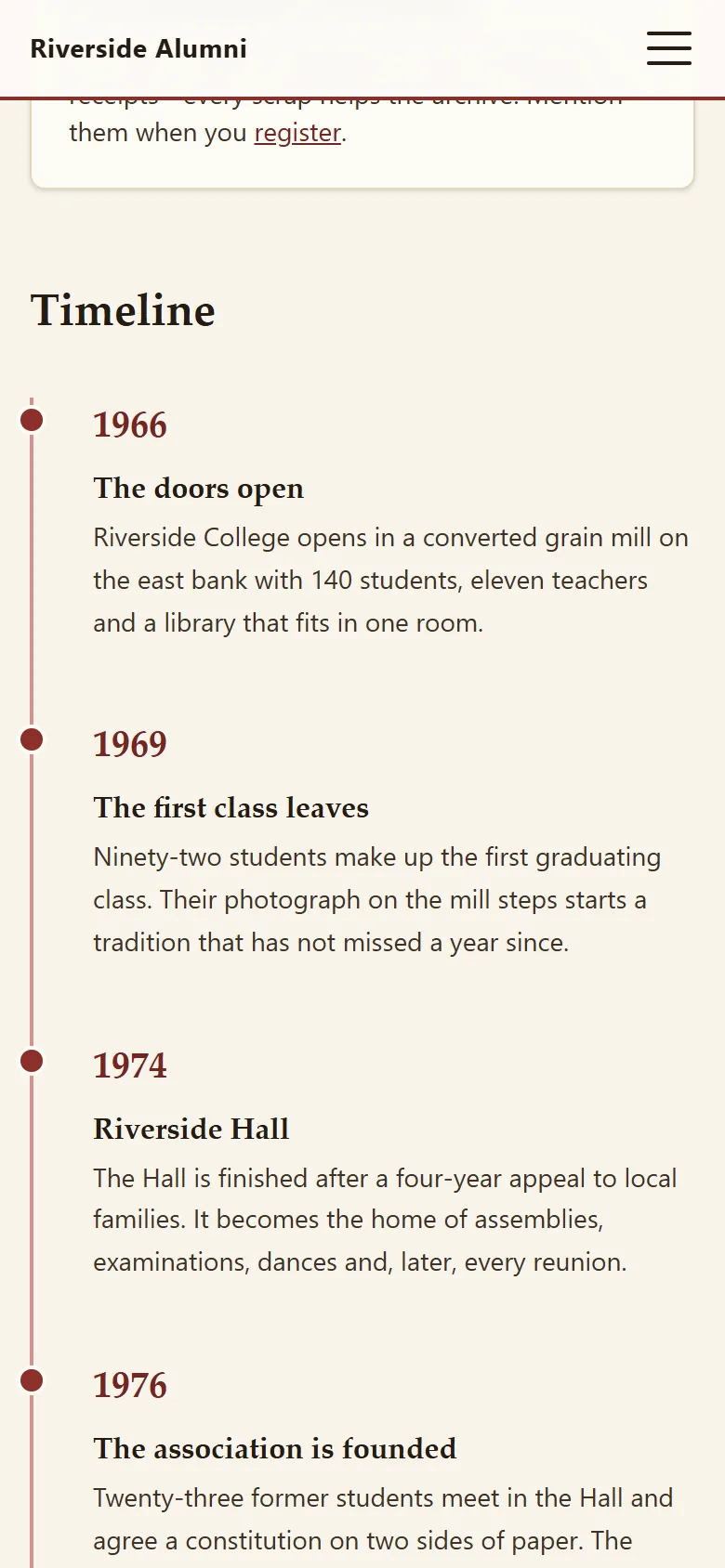
Each entry has a year, a title and the story. The year is free text, so an era you cannot date exactly still has its place. The timeline is a public page with its own search title and description.
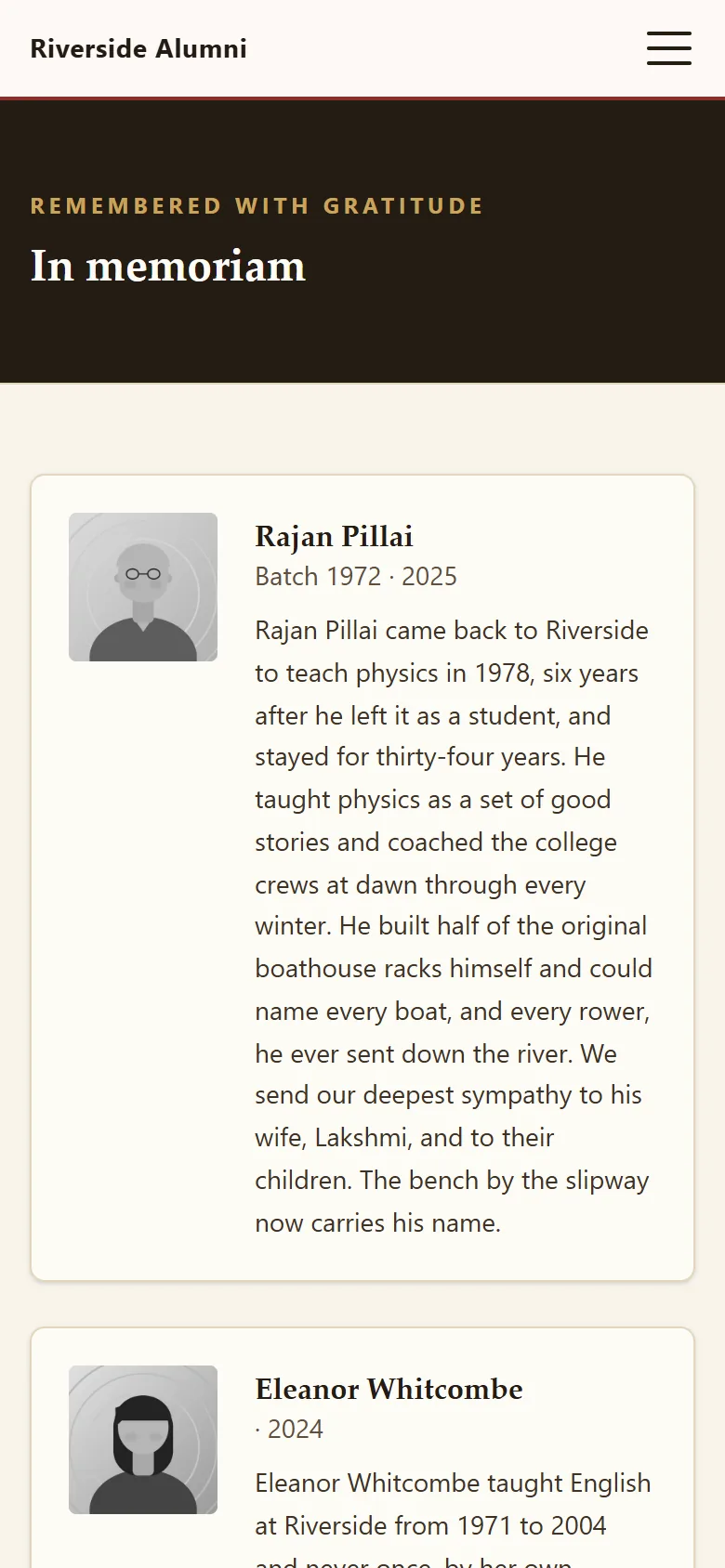
In Memoriam
An entry cannot go live until its family consent box is ticked. Requests arrive through the contact form's In Memoriam option, so someone can check with the family before anything appears.
Hall of fame
Notable alumni with a photograph, a profession, a class year and a short citation, in the order you choose. Nominations arrive through the contact form's nomination option; the committee decides.

Nominated by members
Chosen by the committee
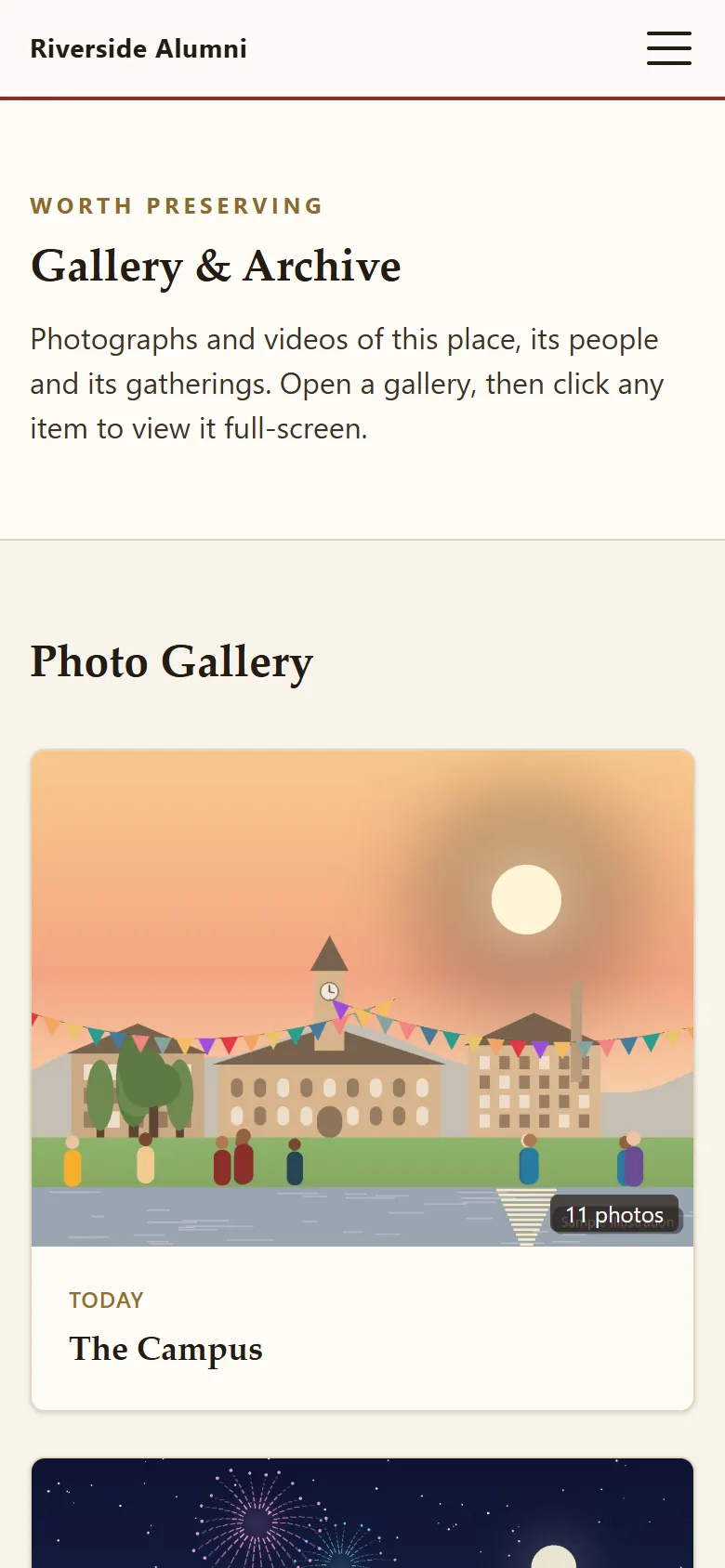
Photo archive
Members upload up to 10 historic photos at a time, each with a caption and an era. Nothing appears until someone with the right area publishes it into an album, or rejects it.
Documents
Minutes, accounts and notices go in the members-only Association section, stored outside the public folder. Longer histories, the house list or the story of the school song can be ordinary pages at their own address.
Members only
Association
Minutes, 1976Scan
ConstitutionPDF
Accounts 2025PDF
Notice of AGM31 Oct
Magazine indexPage
Founders listScan
Your first month
A plan for a heritage volunteer and one member of staff, a couple of hours a week between them.
Ten entries from the prospectus, the school magazine and the founding papers: when it opened, the first leavers, the buildings, the anniversaries. Use eras like "1960s-70s" where the date is uncertain.
Who can ask for a notice, who checks with the family, what goes in it. Put the policy on the page itself, and add entries only once consent is ticked.
A news post and an email asking old pupils to send what they have, with a caption and a decade. Set aside half an hour a week to publish them.
Three or four inductees with a short citation each, and an invitation to nominate more through the contact form.
The honest part
The rest is on the full list of what AlumDeck does not do, and each planned item is on the public roadmap.
Questions
Signed-in members upload historic photos from the members' area, up to 10 at a time with a caption and an era, and nothing appears until a member of staff publishes it into an album. Anyone can send scans through the contact form's archive option, as attachments the committee can read.
Each entry has a family consent box, and it cannot go live until the box is ticked. Requests arrive through the contact form's In Memoriam option, so someone can check with the family before anything appears.
Yes. The year on a timeline entry is free text, so "1960s-70s" or "about 1948" works as well as 1966.
Yes, through the contact form's nomination option. The committee decides, and each inductee gets a photograph, a profession, a class year and a short citation.
The timeline, In Memoriam, the hall of fame and the photo albums are public pages with their own search titles. The directory and the association's papers are for signed-in members only.
Photos are stored as uploaded, up to 8 MB each, on your hosting. AlumDeck has no storage cap and does not resize images, so a large archive needs a hosting plan with room for it.
Also for
One member of staff, a spreadsheet of leavers and a cupboard of photographs. A renewal nobody has to defend.
For schoolsRSVPs against the hall capacity, free QR tickets, check-in at the door and a room for each year.
Plan a reunionAppeals with running totals, every gift recorded and a numbered receipt emailed to each donor.
Run an appealThe demo college has a timeline from 1966, two In Memoriam tributes, a hall of fame and an archive by decade. It puts itself back every night.
Sign-in details on the demo pageResets every night