AlumDeck

Use case · Class reunion website

Get the class back together.

One page with the date, the venue and the programme. RSVPs counted against the hall's capacity. Free QR tickets checked in on a phone at the door. A private room for the year, and the photographs afterwards. $49 a year, and the site is still there for the next reunion.

What it does

The parts a reunion actually uses.

All in the one licence, and all on your own hosting.

The event page

One page with everything on it

Venue, start and end, the programme for the evening and a cover image. A date you have not fixed yet shows as TBA, and an online gathering is flagged as online.

  • Its own search title, description and schema.org Event data
  • Emailed to members who opted in, within a minute of publishing
  • Upcoming and past reunions on one page
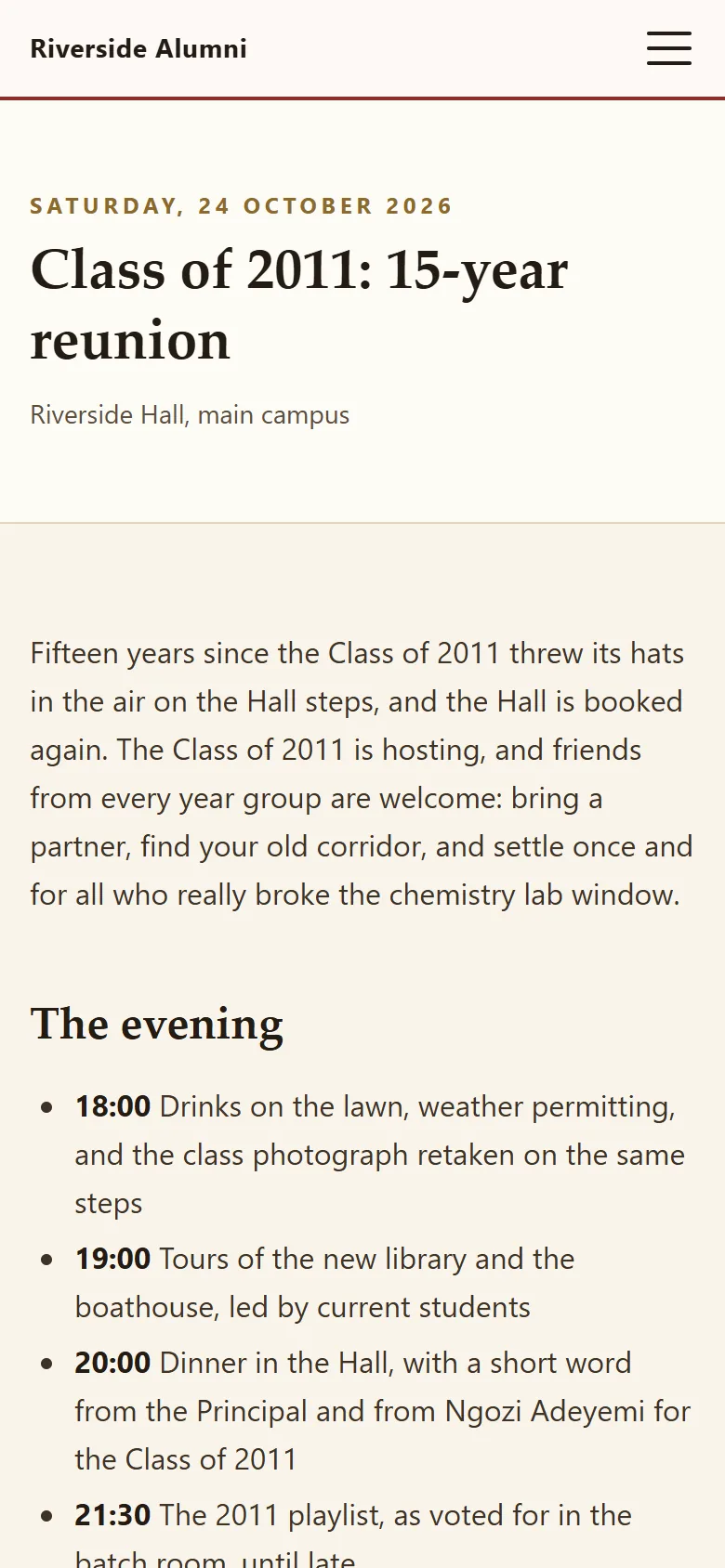
Open the demo reunion

Saturday 24 October

Riverside Hall
RSVP and capacity

Yes, Maybe or No, against a real capacity

Signed-in classmates answer on the event page and can change their mind. On a ticketed event a Yes counts against the capacity and the page shows the seats left; a No releases the seat straight away.

  • One answer per member, changeable at any time
  • A reminder email to everyone who said Yes, two days before
  • An attendance CSV for the caterer
Events and RSVP

Tickets

A free ticket with a QR code

A Yes on a ticketed event issues an eight-character code, with the letters people misread left out, and emails it. The QR code is drawn by your own server and carries a signed check-in link.

  • Shown in the member area and sent by email
  • Changing to No voids the ticket and frees the seat
  • No third-party ticketing service involved

At the door

Check-in on any phone

A volunteer with the events area, and nothing else, opens the QR link with a phone camera or types the code. The answer is one of three: fine, already used, or not recognised. Confirming records who checked the guest in, and when.

  • No app to install
  • Live ticket and check-in counts on the event
  • Door volunteers see neither the member register nor the money

Batch rooms and photos

A room for the year, and the photographs after

Every class year gets a private discussion room, created by the year existing: nothing to set up, and nobody from another year can open it. After the night, members send in their photographs for a moderator to publish.

  • Threads and replies; the author is emailed on a reply
  • Admins pin, lock or hide threads
  • Up to 10 photos per upload, each with a caption and an era
Galleries and archive

Check it yourself

Every claim on this page, checkable in the demo.

  • Check it

    A real reunion page

    The Class of 2011 reunion in the demo: the date, the venue and the programme for the night.

    Open the event
  • Check it

    The ticket flow

    Sign in as the demo member, say Yes, and the QR ticket appears.

    Demo sign-in
  • Check it

    $49 a year

    One price, unlimited classmates and no per-ticket fee.

    Pricing
  • Check it

    After the night

    Albums by year in the demo archive, including a launch evening.

    See the archive
  • Check it

    What it will not do

    Tickets are free only, and there are no plus-ones yet. The full list.

    Limitations
  • Check it

    What is coming

    Priced tickets and guest sign-up are on the roadmap, with a release number.

    Roadmap

Sample data in the live demo

The Class of 2011 plans its 15-year reunion

In the live demo the Class of 2011 is hosting a reunion at Riverside Hall on 24 October 2026: drinks on the lawn, tours, dinner in the Hall and the 2011 playlist. Sign in as the demo member and say Yes to see the ticket.

Try it in the demo

Your first month

The first month, long before the night.

The site earns its keep from week one, well before the venue is booked. A plan for a committee of three.

  1. Week 1: put the page up before you know everything

    An event for the reunion with the date as TBA and a few lines on what is planned. It starts collecting the people you were going to chase. If AlumDeck is new to you, the install and the cron line take an evening.

  2. Week 2: open registration and find the gaps

    Share the join link in the class chat. Filter the directory to your year and compare it with the old register: every missing name is someone to ask about at the next meeting.

  3. Week 3: book the venue, set the capacity

    Put the hall's real capacity on the event the day you book it, and switch on tickets if you want a head count at the door. It is an easier conversation now than the week before.

  4. Week 4: send the invitation

    An email campaign to your class-year range: count the audience, send yourself a test, then queue it. Chase the Maybes by name nearer the time; that is where the last fifteen guests come from.

After the night

The site is still there for the next one.

The photographs go into an album, the attendance list stays in your database, and the next committee inherits a working site rather than a dead group chat.

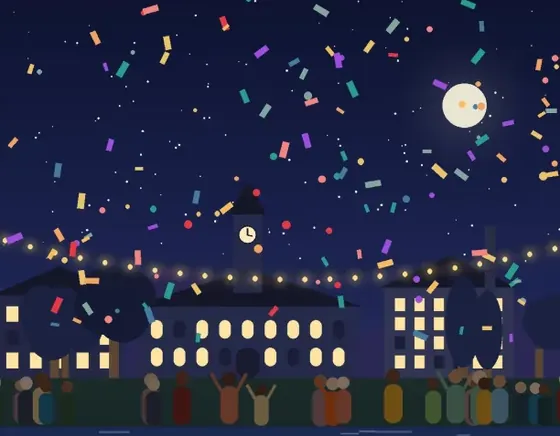
  • Illustration: confetti over a crowd on the lawn at night

    Same lawn, 15 years on

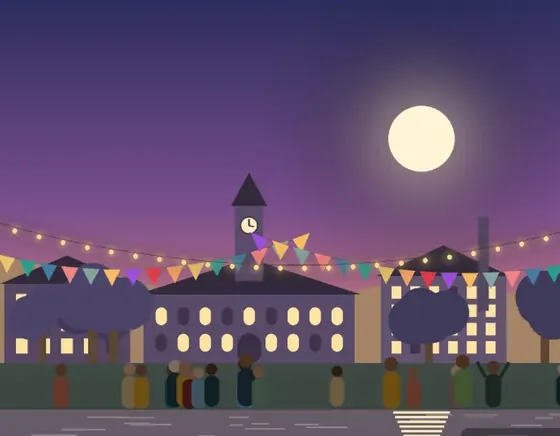
  • Illustration: strings of lights and bunting over the college at dusk

    The Hall, lit up again

  • Illustration: balloons over the lit college buildings at night

    Balloons at midnight

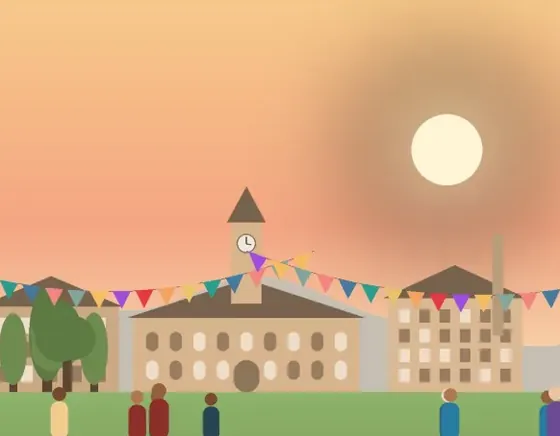
  • Illustration: the college by the river at sunset, with bunting and people on the lawn

    Picnic on the river lawn

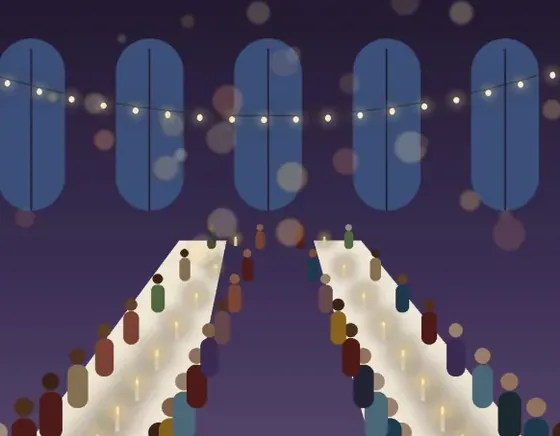
  • Illustration: a long candlelit dinner in the great hall

    Dinner in the old hall

The honest part

Where AlumDeck stops for a reunion.

For a black-tie dinner with allocated tables, use a ticketing service for the evening and AlumDeck for everything around it.

  • Paid tickets or ticket tiers. Tickets are free; collect any dinner contribution the way you do today. Planned: release 1.3
  • Guests who have not joined. Only signed-in members can RSVP; others can use an external RSVP link if you add one to the event. Planned: release 1.3
  • Plus-ones, waitlists and custom registration questions. Planned: release 1.3
  • Members editing, deleting or reporting their own batch-room posts. Admins moderate. Planned: release 1.5
  • An add-to-calendar file for the event.
  • Seating plans and table allocation.

The rest is on the full list of what AlumDeck does not do, and each planned item is on the public roadmap.

Questions

What reunion committees ask

Can we use it for one reunion and nothing else?

You can, and $49 for a site you keep is less than most single-event tools. It is better value kept running: the same site holds the next reunion, and if the licence lapses in between, the reunion pages stay online and only sign-in pauses.

How do we stop more people saying yes than the hall holds?

Set a capacity on a ticketed event. Each Yes counts against it, the public page shows the seats left, and a Yes changed to No releases the seat straight away. Export the final list for the caterer.

Do guests need to print anything?

No. A Yes on a ticketed event issues a ticket with an eight-character code and a QR code, shown in the member area and sent by email. At the door a volunteer scans it with a phone camera or types the code, and gets one of three answers: fine, already used, or not recognised.

Can we charge for tickets?

Not yet. Tickets are free, with no price tiers, plus-ones or waitlists. AlumDeck does not take money, so a dinner contribution is collected the way you collect money today, and can be recorded as a gift if someone wants a receipt. Priced tickets are planned for release 1.3.

Can each class have its own page?

Every member carries the year they left, so the directory filters to one class, each reunion is its own event with its own RSVP list, and each year has a private discussion room that nobody from another year can open.

How do we find classmates nobody has heard from?

Slowly, and a public page helps most: people search for the school years later and find it. Then the directory does the rest. If you have the old paper register, import it (up to 20,000 rows) and every new application is matched against it, with up to eight likely records shown side by side.

What happens to the site after the reunion?

It carries on, which is the point. The class list, the photographs and the contact details stay in your own database, and the next committee inherits a working site instead of starting again.

Is $49 a year really the whole price?

For one live site, yes: every feature, unlimited classmates, no per-ticket fee and no add-ons. You bring the hosting and a domain. Every licence has a 14-day money-back guarantee.

Also for

After the reunion, what comes next.

  • Alumni fundraising website

    Appeals with running totals, every gift recorded and a numbered receipt emailed to each donor.

    Run an appeal
  • School heritage archive

    A timeline, In Memoriam with the family's consent, a hall of fame and a photo archive.

    Keep the history
  • Alumni associations

    Volunteer committees that change at every AGM. A site the next committee inherits, with a login for every post.

    For associations

RSVP to the demo reunion.

Sign in as the demo member, say Yes to the Class of 2011 reunion and your QR ticket appears. It puts itself back every night.

Sign-in details on the demo pageResets every night