AlumDeck

Give · Online payments

Paid into your account. Never ours.

Connect your own payment provider and members pay gifts, membership dues and event tickets by card, on the provider's own page. The money lands in your account. AlumDeck never holds it and takes no percentage.

Your account, not ours

The money goes straight to you, with nothing taken by us.

  • 0%of any payment taken by AlumDeck
  • 3payment providers included, one of them tested
  • 1checkout for gifts, dues and tickets
  • 14days before an unfinished payment is cancelled

The payer finishes on the provider's own secure page, so AlumDeck never sees or stores a card number. When the provider confirms the payment, the gift, the invoice or the ticket is marked as paid and the receipt goes out, even if the payer closed the page too early.

Stripe is the payment provider we tested, and only in its test mode. PayPal and Razorpay are included but untested, and are fixed as customers report problems. Every payment test ran in a provider's test mode, never with real money.

How it works

From the pay button to the receipt.

Connect once. After that a card payment records itself, and the treasurer only handles the rest.

Your provider

Connect a provider with your own keys

In Settings, Payments, switch on Stripe, PayPal or Razorpay, choose test or live mode and paste the keys of your own account. A secret key is stored encrypted and is never shown again. "Check the keys" asks the provider whether they work before a member ever sees a pay button.

  • Test mode first: nothing real moves until you switch to live
  • Say which currencies you accept, for all providers or for each one
  • On Stripe's page, Apple Pay and Google Pay appear where your account offers them

One checkout

Gifts, dues and tickets are paid the same way

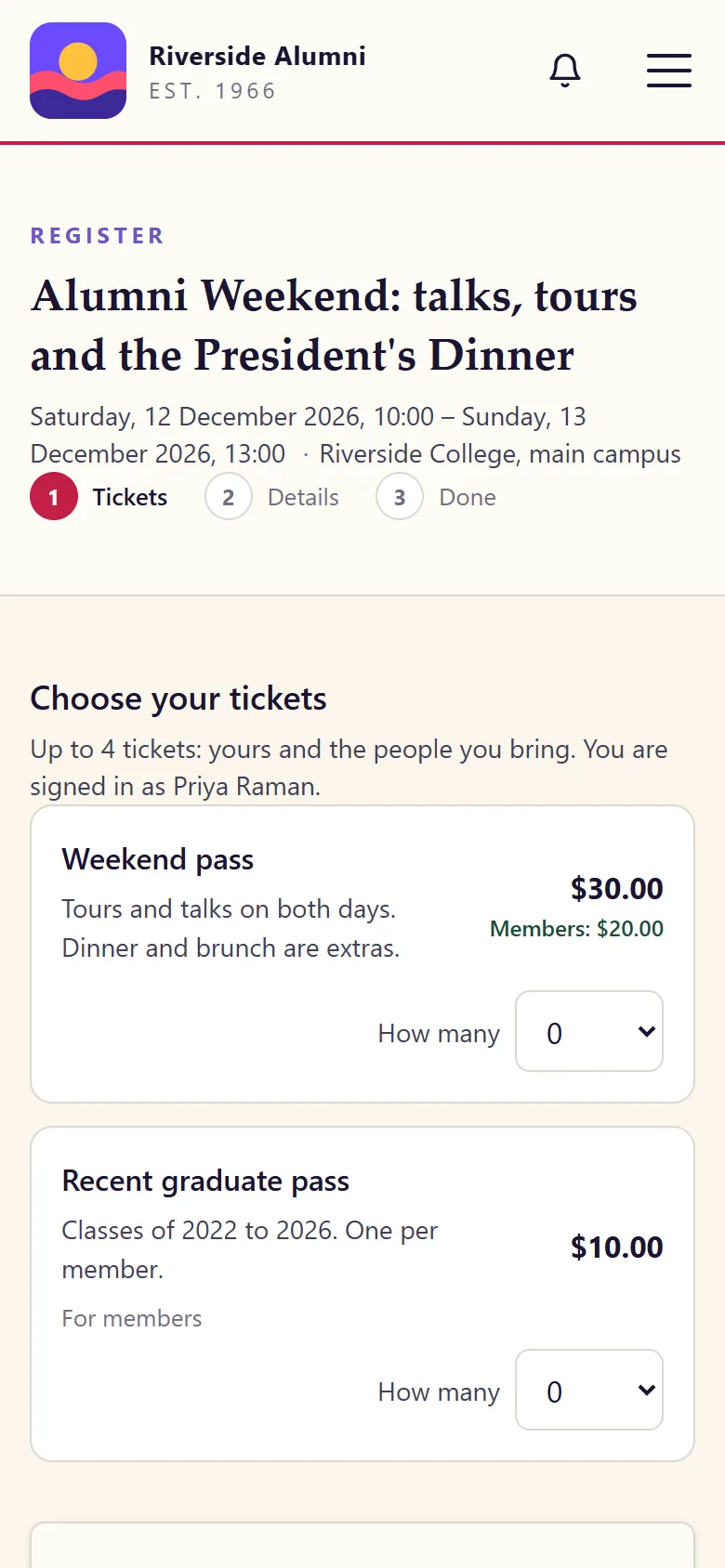
A gift, once or every month or year, a membership invoice and an event ticket all go to the same checkout, and so does a shop order once you switch the shop on. A repeating gift is charged again by the provider, and each charge becomes a gift with its own receipt.

  • A donor changes the amount or the card, or stops a repeating gift, from their own link
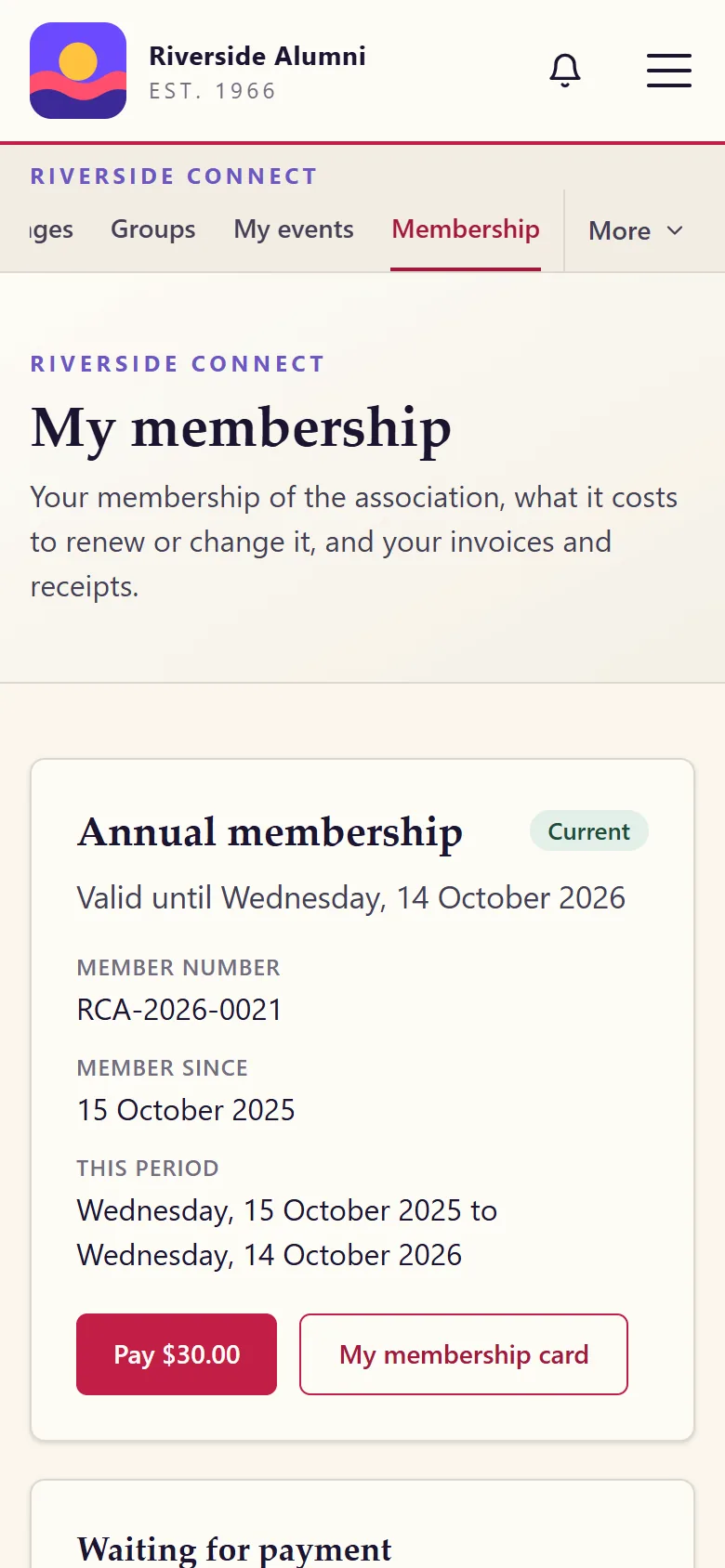
  • A renewal the card refuses is shown as "Payment failed", with the reason
  • A provider's confirmation still arrives while the site is in maintenance mode
How giving works

Pay later

Bank transfer, cash or at the door

Not everyone pays by card. The pay-later choice is on from the start: the payer sees your instructions and a payment reference, and you mark the payment as paid once the money has arrived. Give it your own name, write your bank details into the instructions, or switch it off to take online payments only.

  • The same numbered receipt as a card payment
  • Dues can also be reserved for payment by bank transfer or cash
  • A reservation nobody pays lapses after a number of days you set

The ledger

Every payment in one list

Money, Payments lists every payment: when it started, what it is for, the amount, its status and how it is being paid. From there, staff who may manage money mark one as paid, cancel it or refund it. Each of those is written to the audit log with the person and the time.

  • A refund made here goes back through the provider
  • A refund made in the provider's dashboard is recorded here by itself
  • Totals are kept per currency and never converted

For the treasurer

Books that add up, in every currency.

What the treasurer gets
For the treasurerWhat AlumDeck doesWhere
FeesType each provider's fee, a percentage and a fixed part, and a donor can choose to add it to their giftSettings, Payments
CurrenciesOne currency or several, by ISO code. Each is totalled on its ownSettings, Payments
Dues reconciliationInvoiced against received for any dates, per currency and per way of paying, with provider fees, the net amount and the overdue list, as a CSVMoney, Invoices
AccountingAn export for Xero or QuickBooks: CSV files in their own import layouts, with the accounts you map. It is a file, not a live connectionMoney, Accounting export
Receipts and invoicesNumbered, as a page and a PDF, with your own prefix and wordingSettings

Not yet

What online payments do not do yet.

A tag means a fix is planned. No tag means it is not.

  • A tested payment provider other than Stripe: PayPal and Razorpay are included, untested, and fixed as customers report problems
  • Payments proven with real money: every payment test ran in a provider's test mode
  • Currency conversion: each currency is totalled on its own
  • A live link to Xero or QuickBooks: accounting is a file you export here and import there
  • Card readers for taking payment in person

FAQ

Questions treasurers ask

Does AlumDeck take a share of what we collect?

No. A payment goes from the payer to your own account with the payment provider. AlumDeck never holds the money and takes no percentage. The provider charges its own fee, as it would anywhere.

Which payment providers can we connect?

Stripe, PayPal and Razorpay are included. You switch one on in Settings, Payments, with the keys of your own account, first in test mode and then live.

Stripe is the payment provider we tested, and only in its test mode. PayPal and Razorpay are included but untested, and are fixed as customers report problems.

What if a member wants to pay by bank transfer or in cash?

That choice is on from the start, beside the card. The payer sees your own instructions and a payment reference, and the treasurer marks the payment as paid when the money arrives. You can rename the choice or switch it off.

What happens to a payment nobody finishes?

An online payment left unfinished is cancelled after 14 days, unless you set another period. Nothing is recorded as paid until the provider says so, and a declined card leaves no gift, ticket or receipt behind.

Can we give money back?

Yes. Staff with the right to manage money refund a payment, in full or in part, from the Payments list, and the refund goes back through the provider. A refund made in the provider's own dashboard is recorded on the site by itself. Both are written to the audit log.

See the payments list in the demo.

Sign in as the administrator and open Money, Payments. The demo holds sample payments only: no provider is connected there and no money moves.

Sign-in details on the demo pageResets every night

Type a word, or start with one of these pages.

↑ ↓ moveEnter openEsc close